
Scope and Use Case
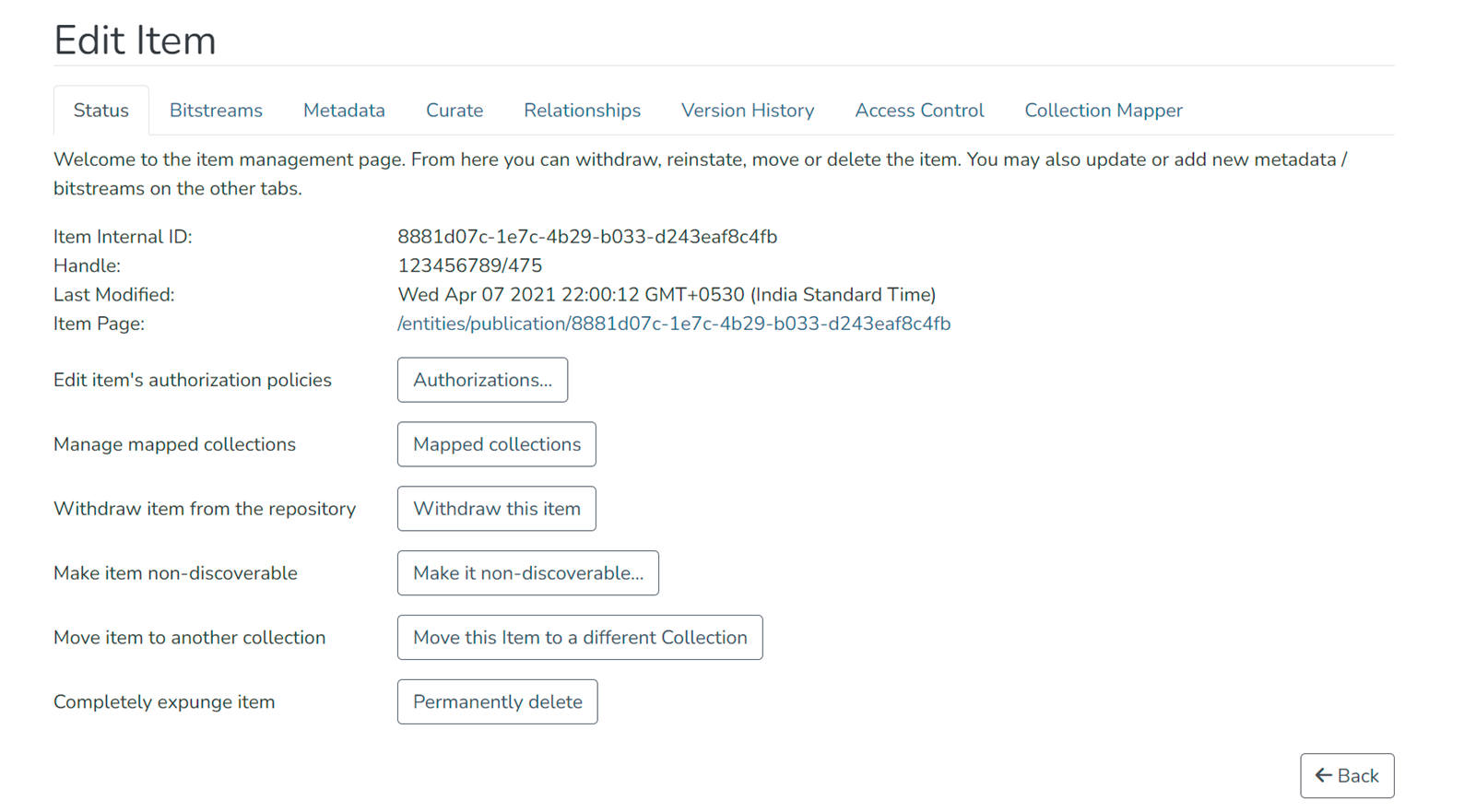
Items within DSpace (including bitstreams and metadata) can be edited after submission by authorized users. This page describes how to access the Edit Item page and provides an overview of the Edit Item page. It shows screenshots of each tab in the Edit Item page and lists the functions that are available on each tab. For details about using specific functions, see the specific pages within this wiki (linked below).
Audience
- Repository Administrators
- Community Administrators
- Collection Administrators
Access the Edit Item Page
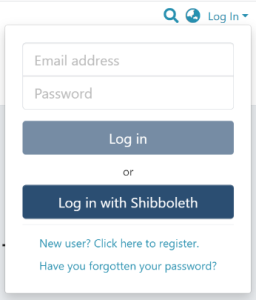
Step 1: Login using your credentials
Step 2: Go to the item you want to move.
Users can reach an item through multiple methods, including those listed below:
- Search for an item
- Browse communities and collections
- Find an item in the Administration section at Edit > Item
- Use the existing item URL
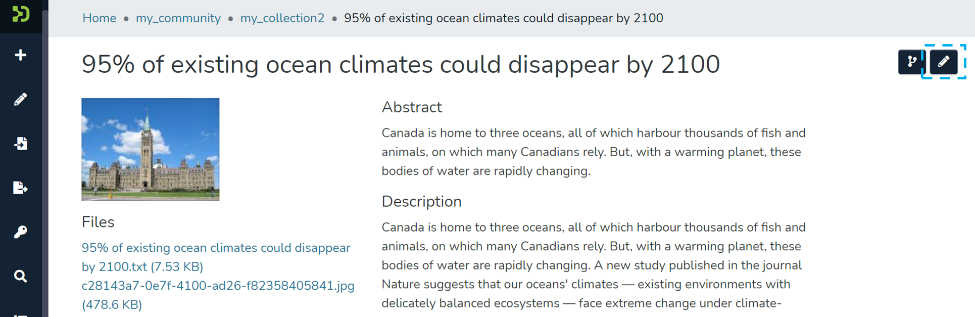
Step 3: Click on the “Edit” button as highlighted on the screen below. This button will appear to any user who has edit rights on the target item.
Edit Item Overview
Status tab
Bitstreams tab
See Edit Bitstream page
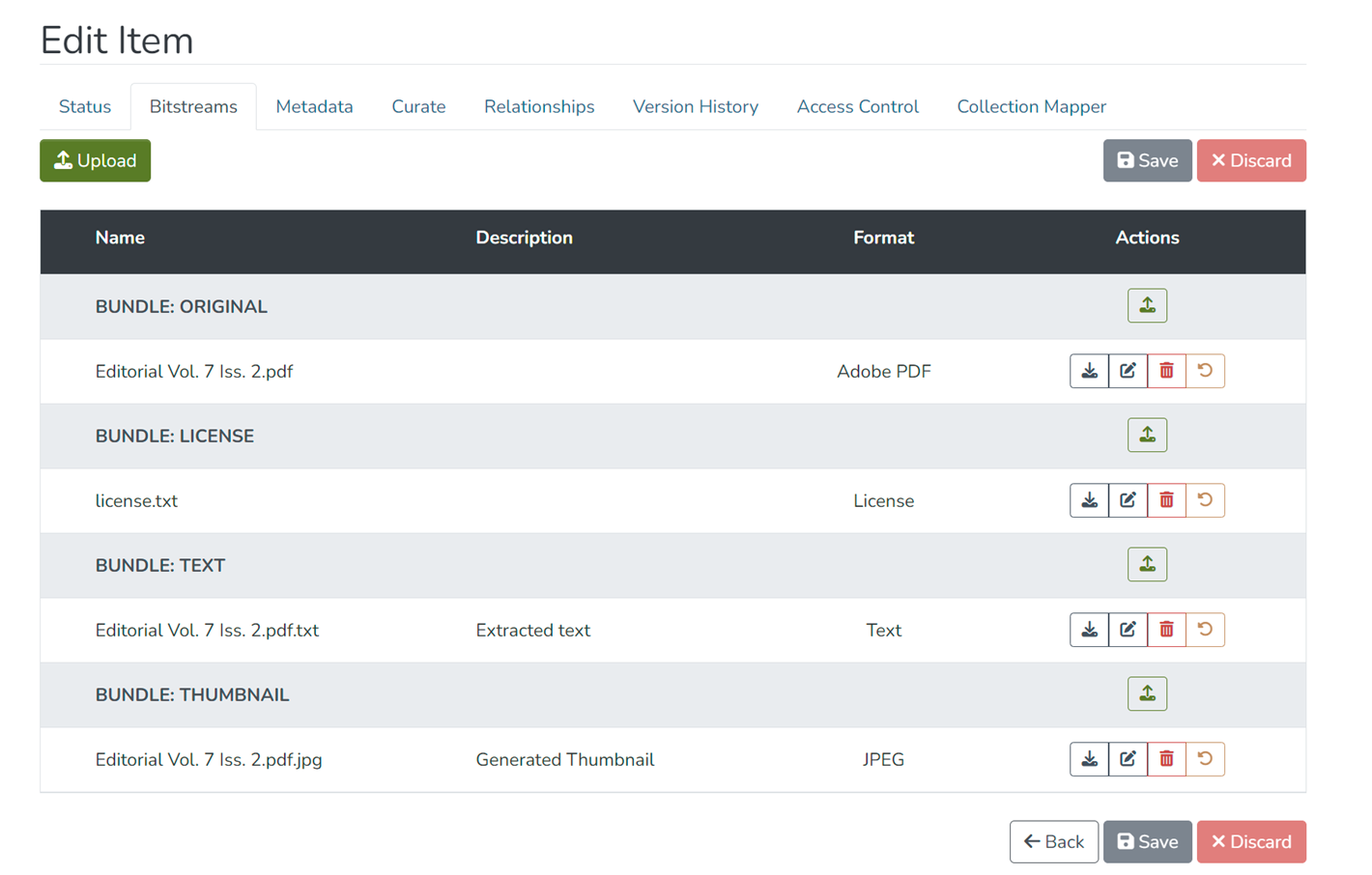
- Add or remove licenses or other bitstreams (i.e., files) attached to the item
- Edit metadata associated with the bitstreams, including filename, file format, and file description
- Reorder bitstreams attached to the item
Metadata tab
See Edit Metadata page
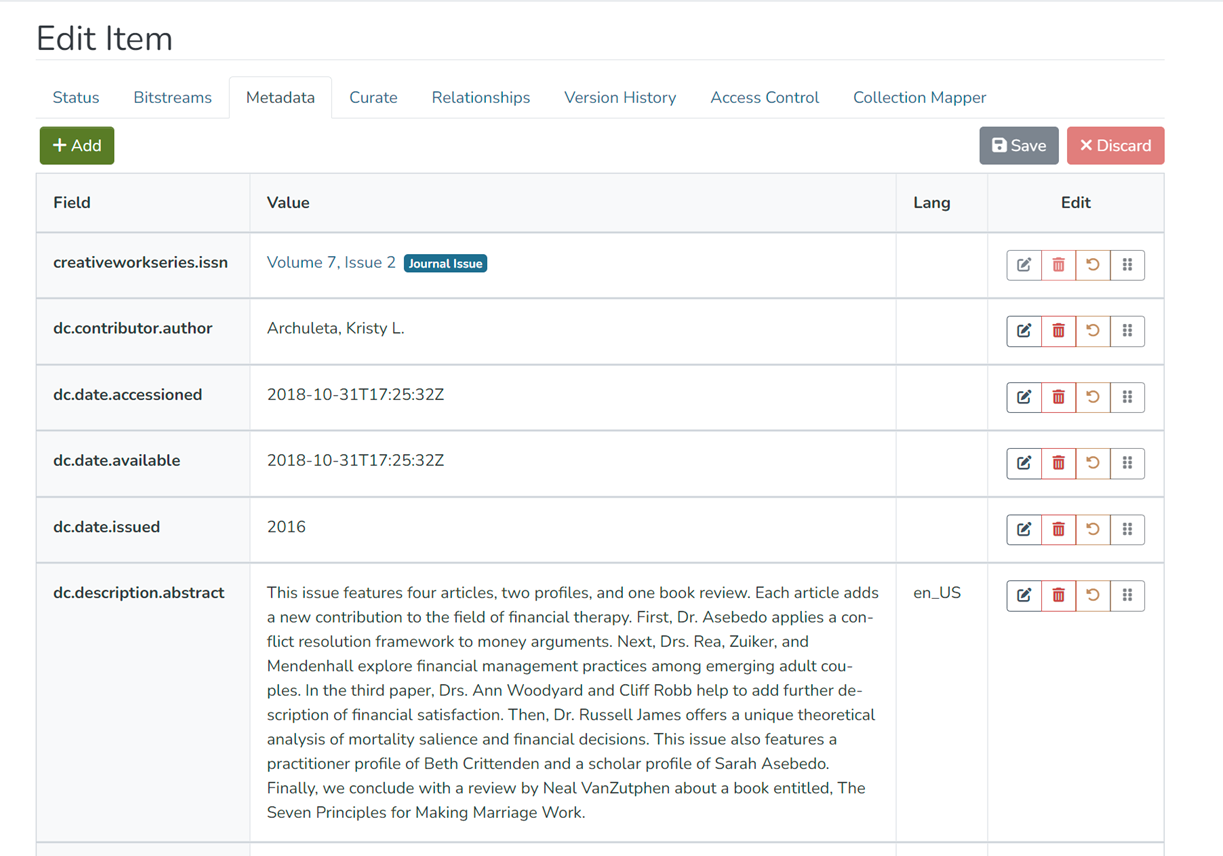
- Add or delete metadata fields (i.e., elements added to describe the item)
- Edit values in existing fields
Curate tab
See Curation System page (In the admin UI section)
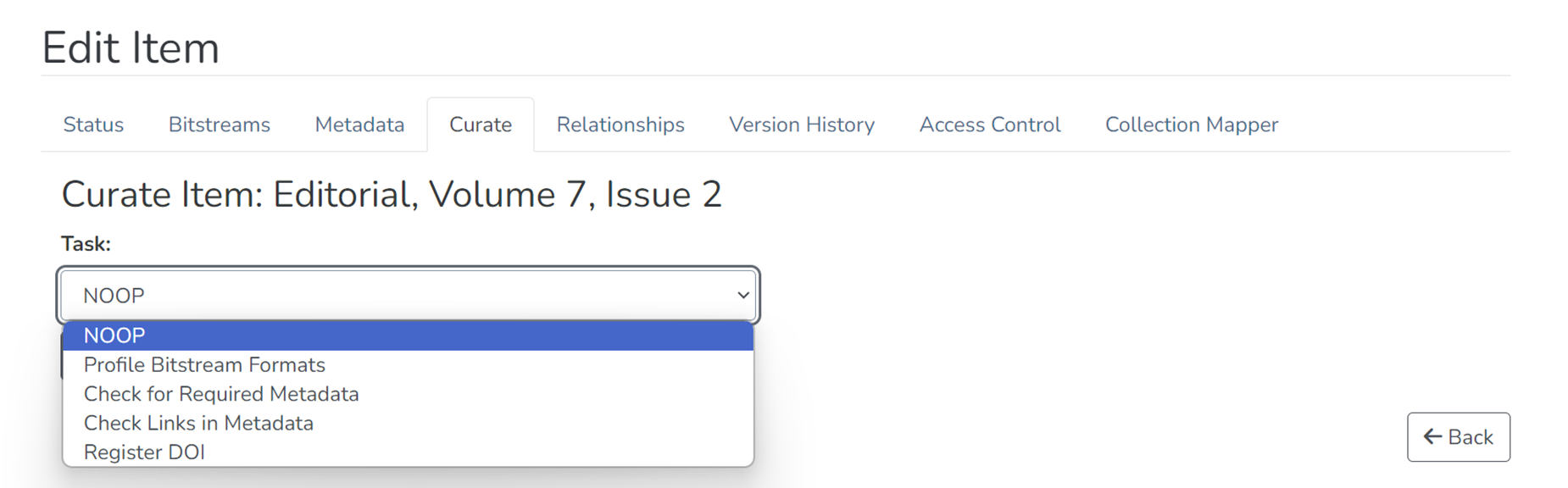
- Perform various curation processes on the item
Relationships tab
See Edit Relationship page
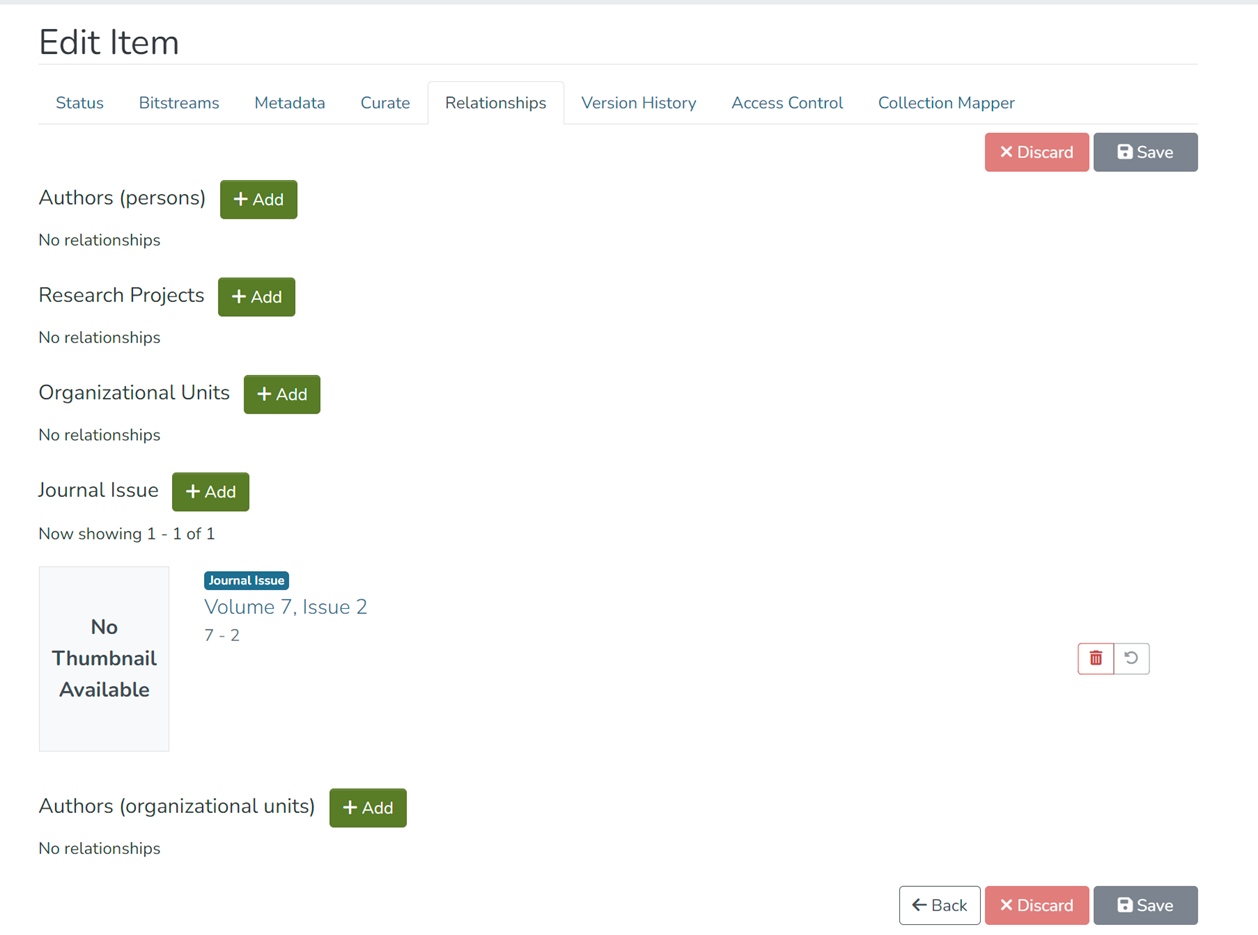
- Add or delete relationships with other items
- Edit existing relationships with other items
Version History tab
See Versioned Item page
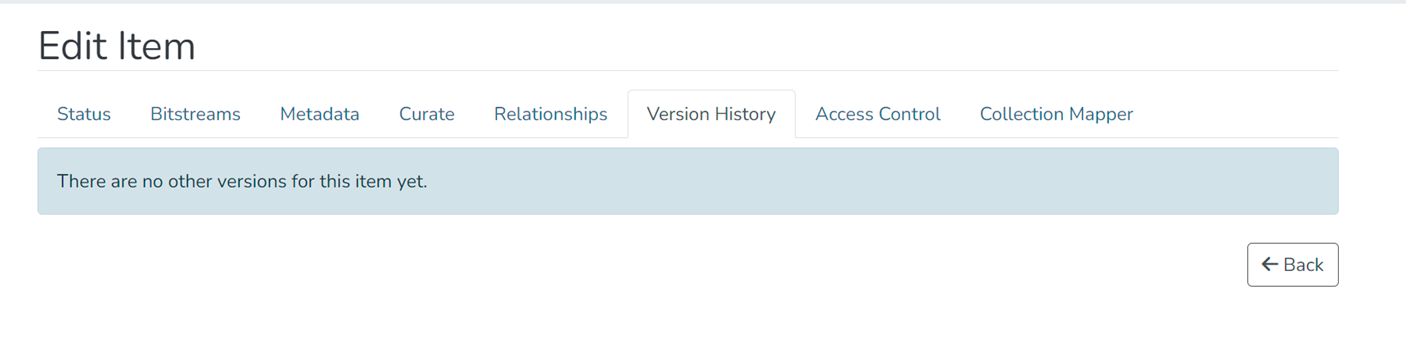
- Create and manage item versions
Access Control tab
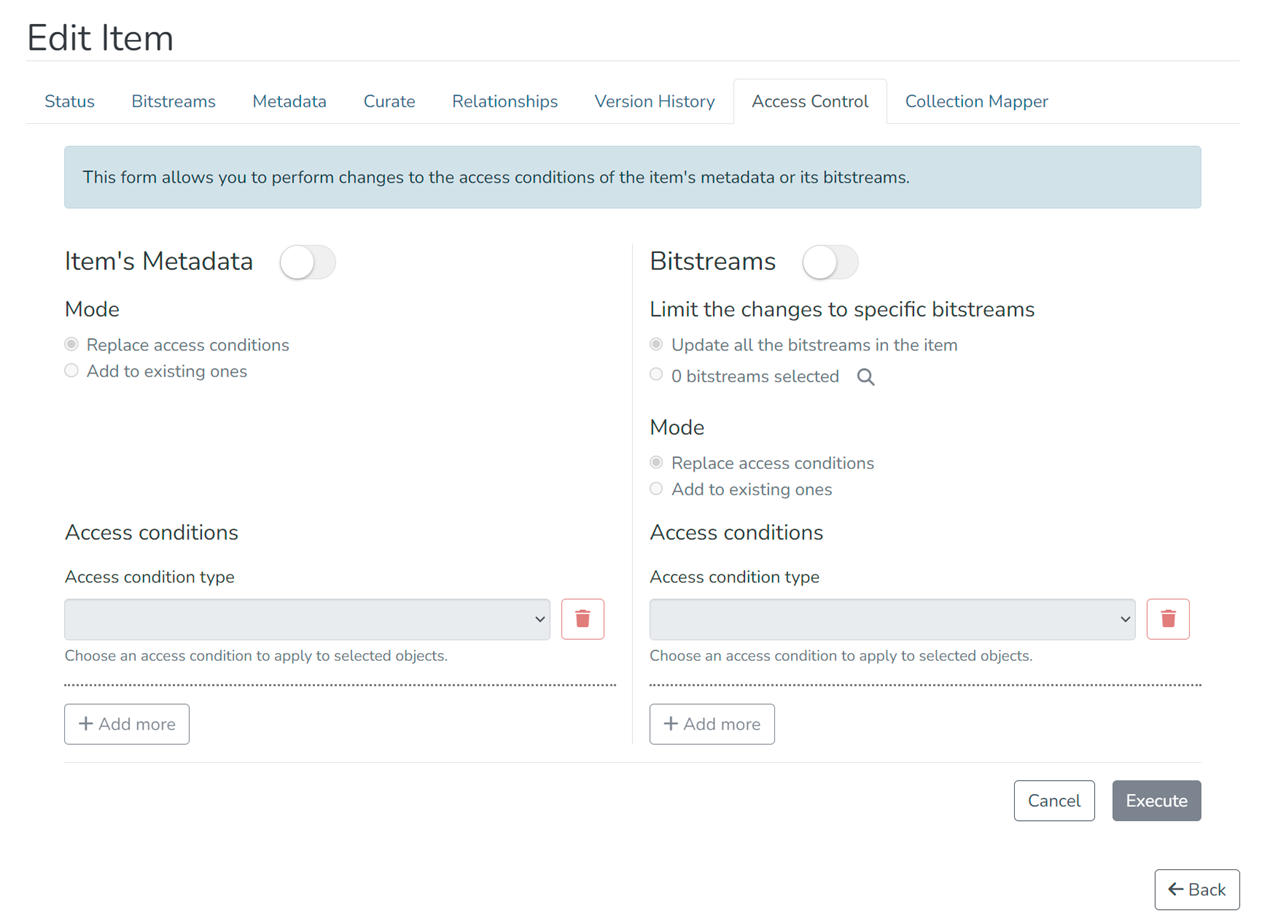
- Manage separate access policies for item's metadata and bitstreams
Collection Mapper tab
See Collection Mapper page
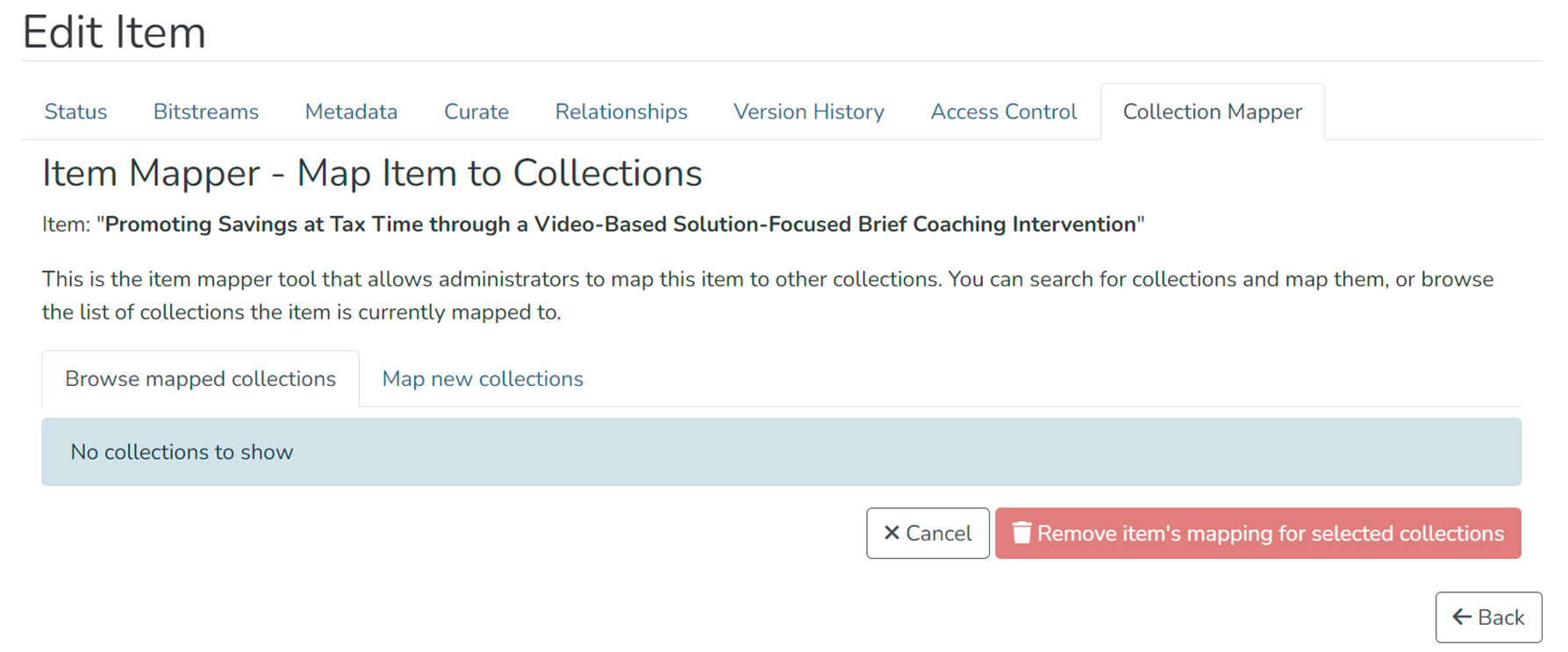
- Map item to other collections and manage collections mapped with the item
Edited and approved by DCAT Documentation Working Group, December 2024.