Contribute to the DSpace Development Fund
The newly established DSpace Development Fund supports the development of new features prioritized by DSpace Governance. For a list of planned features see the fund wiki page.
Scope and Use Case
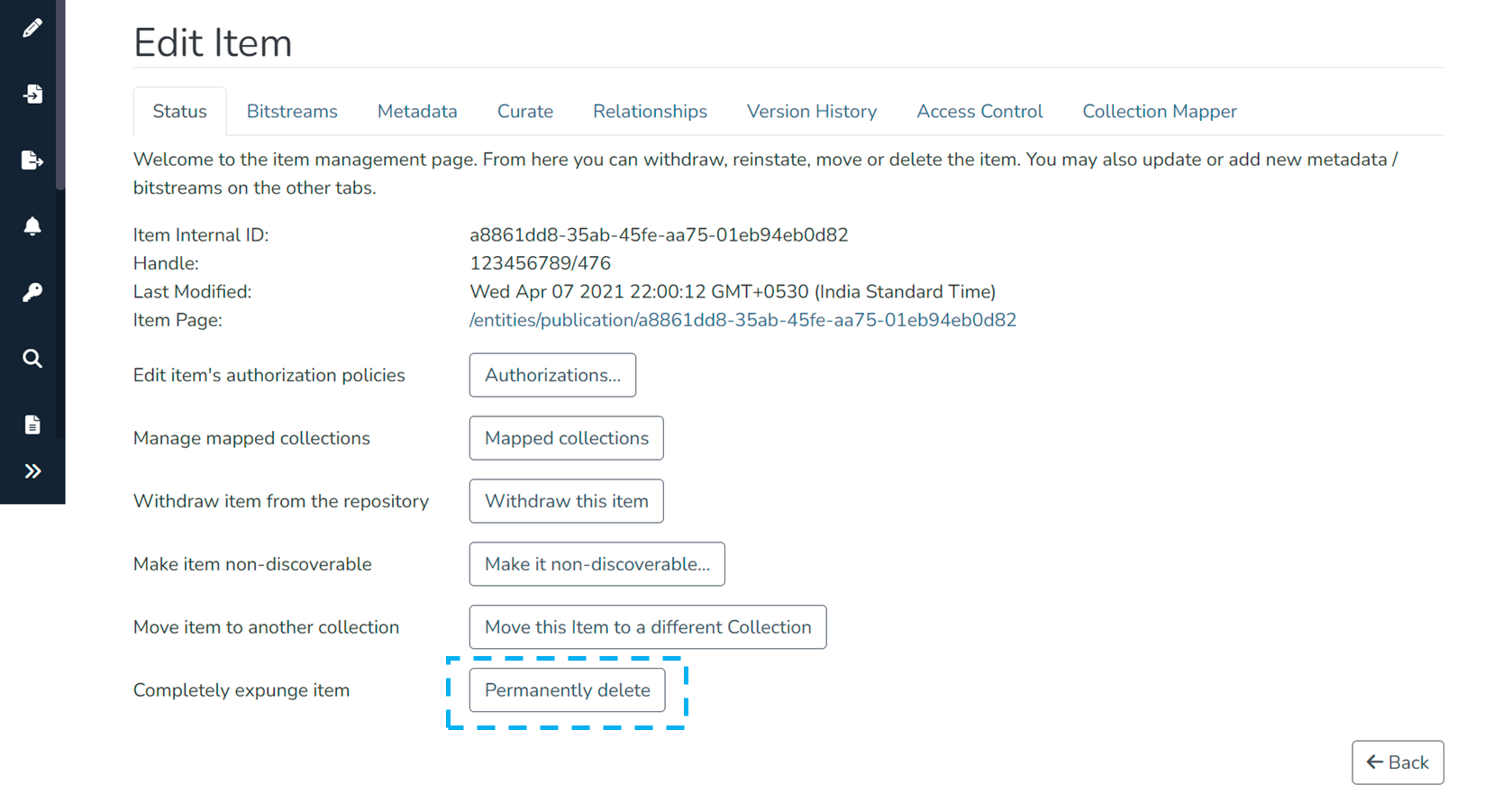
The Permanently Delete option is exercised when an authorized user wants to permanently delete an item (metadata + bitstreams) from the repository.
Apart from permanently deleting an item, options like “Withdraw item from the repository” and “Make item non-discoverable” can temporarily help disable the content access.
Target Audience
- Repository Administrators
- Community Administrators
- Collection Administrators
Item Delete Process
Step 1: Login using your credentials
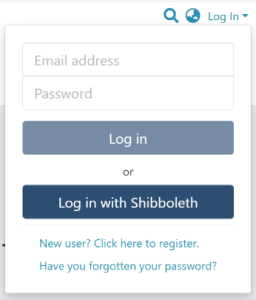
Step 2: Go to the item you want to move.
Users can reach an item through multiple methods, including those listed below:
- Search for an item
- Browse communities and collections
- Find an item in the Administration section at Edit > Item
- Use the existing item URL
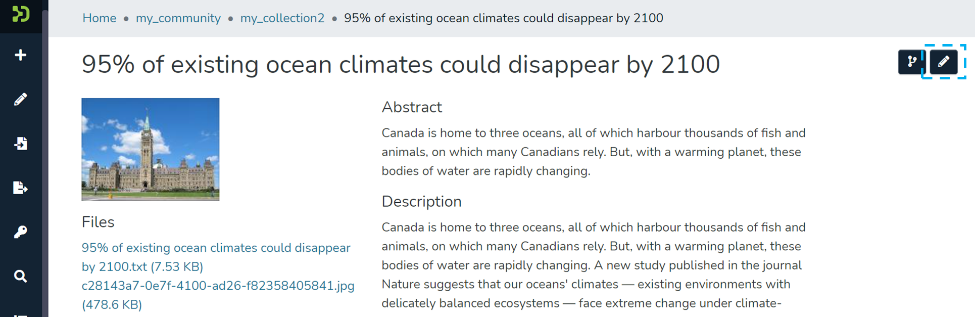
Step 3: Click on the “Edit” button as highlighted on the screen below. This button will appear to any user who has edit rights on the target item.
Step 4: Click the “Permanently delete” button to delete the item.
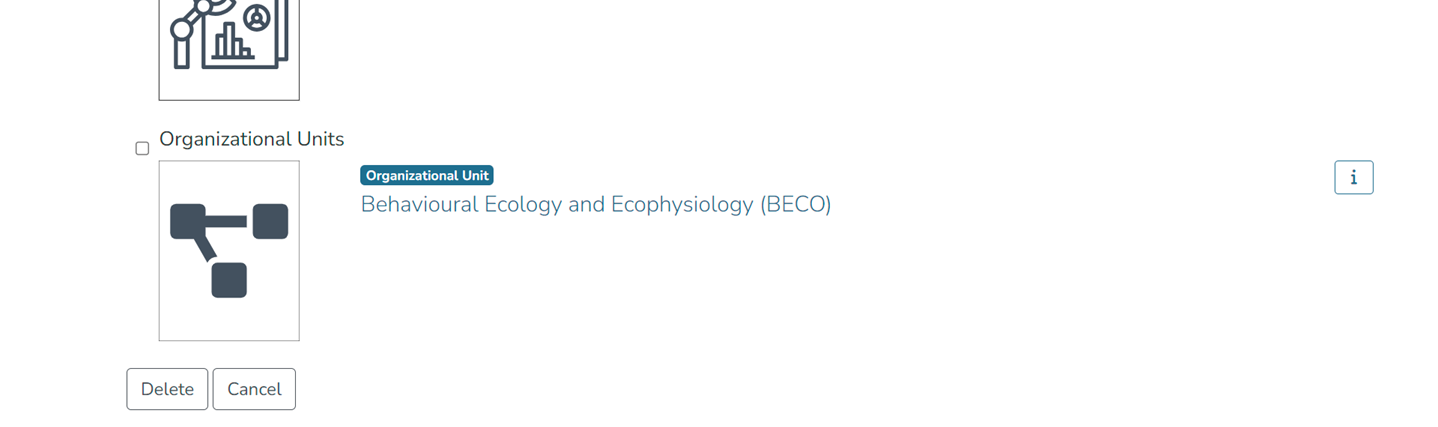
Step 5: Select entities for which virtual metadata needs to be retained, as highlighted below. To see information about the entity, click the "i" icon appearing next to the target entity, as highlighted in the below screenshot.
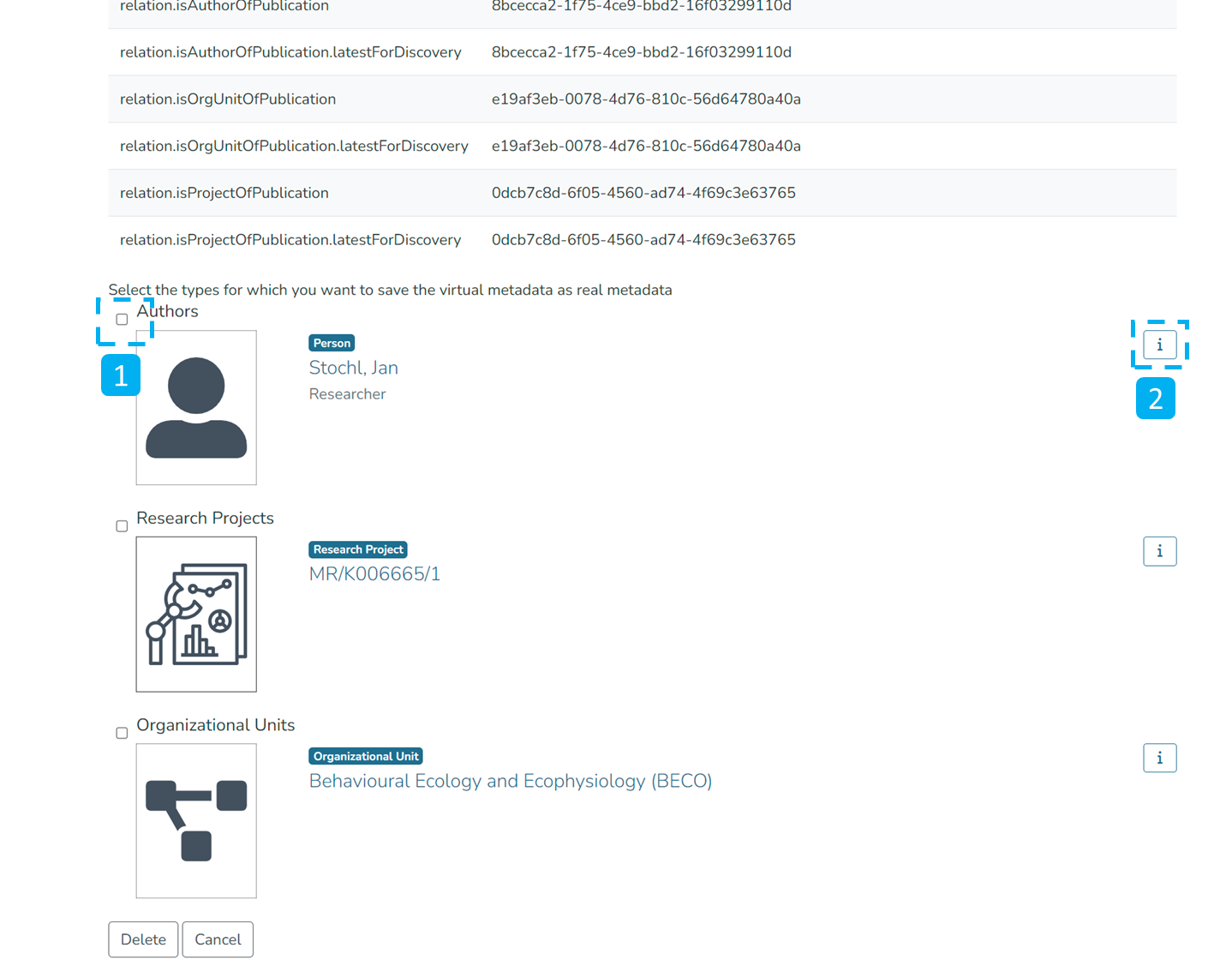
Step 6: Click the Delete button on the confirmation screen to permanently delete the item. Click the Cancel button to cancel the deletion.
Overview
Content Tools
All content on the LYRASIS Wiki is licensed under the CC BY (Attribution) license , unless otherwise noted.