All Versions
DSpace Documentation
Unreleased Documentation
This documentation is unreleased and still in development. It may describe features which are not yet released in DSpace.
Looking for another version? See all documentation
DSpace uses a hierarchy of Communities, Collections, and Items. Communities hold sub-communities (which hold collections) and collections (which hold items). Use these instructions to create a new community or sub-community.
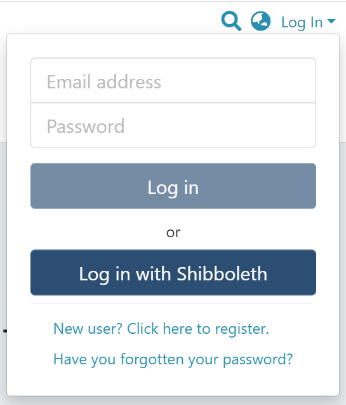
Step 1: Login using your credentials
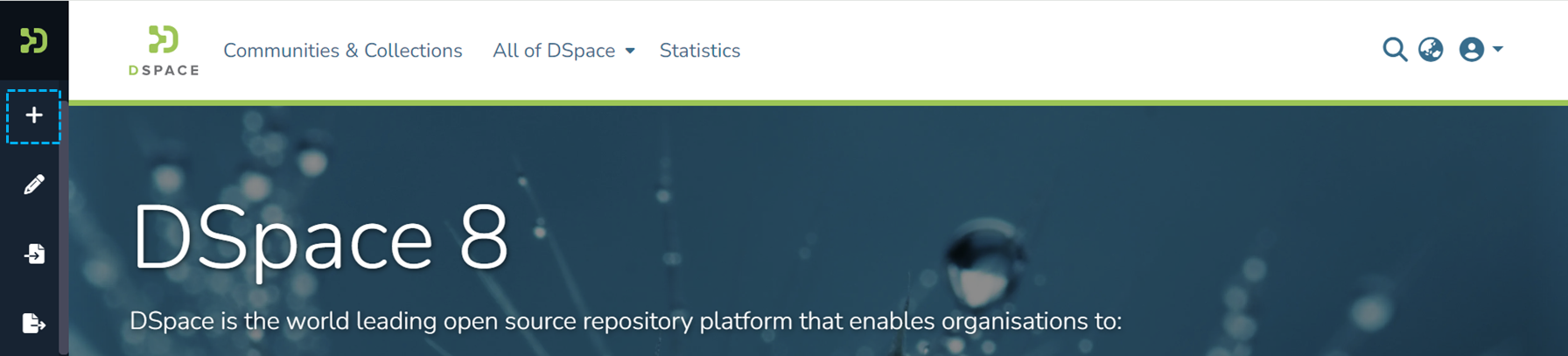
Step 2: Move your cursor over the “+” sign
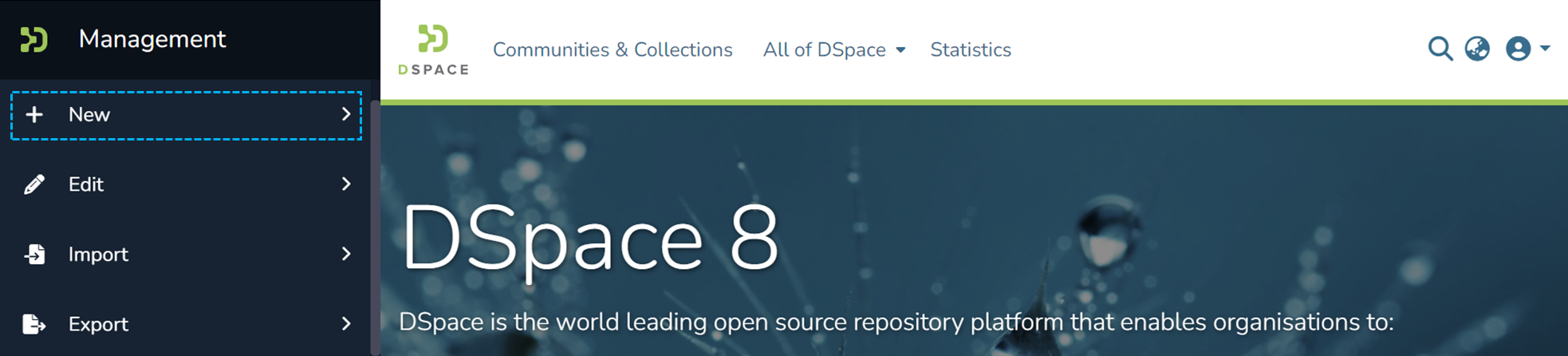
Step 3: Click on the “New” link and click on “Community” to proceed with the community creation process.
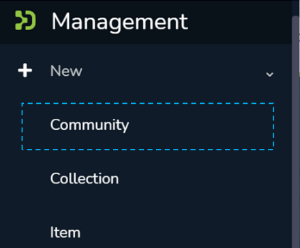
Step 4: A popup providing the option to either create a Parent community or a sub-community will appear, with a list showing existing communities. Create your new community by either:
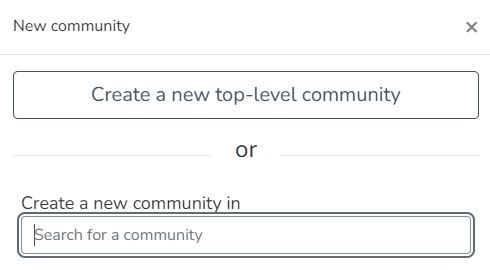
Step 5: As per the user’s choice in the previous step, the application will open the "Create a Community" form or the "Create a Sub-Community for Community [name here]" form to populate information regarding the new community. Below is the explanation of the information that needs to be populated in this form.
The “Create a Community” and “Create a Sub-community” forms are identical. The critical difference is that the “Create a Community” form creates a top-level community while the latter creates a sub-community within a community or sub-community.
The description provided below the following screenshot remains identical for both Community and Sub-Community creation.
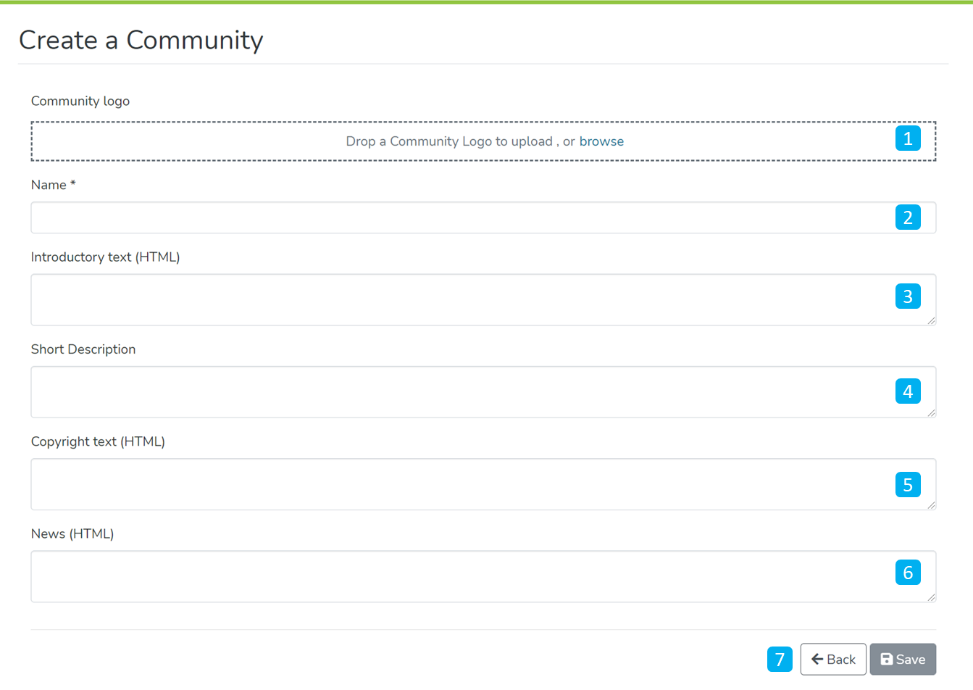
Step 6: Click on the ‘Save’ button to complete the Community creation. A success prompt will pop up upon community creation, and the user will be re-directed to the community homepage.
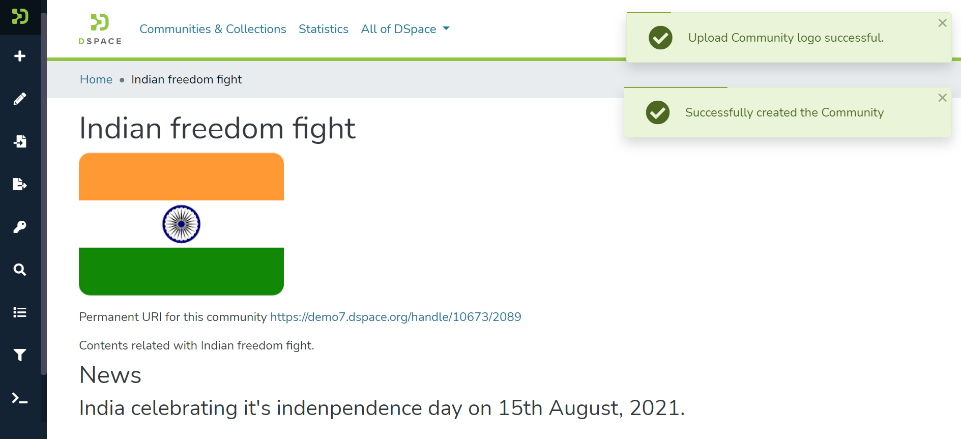
Success prompt upon community creation
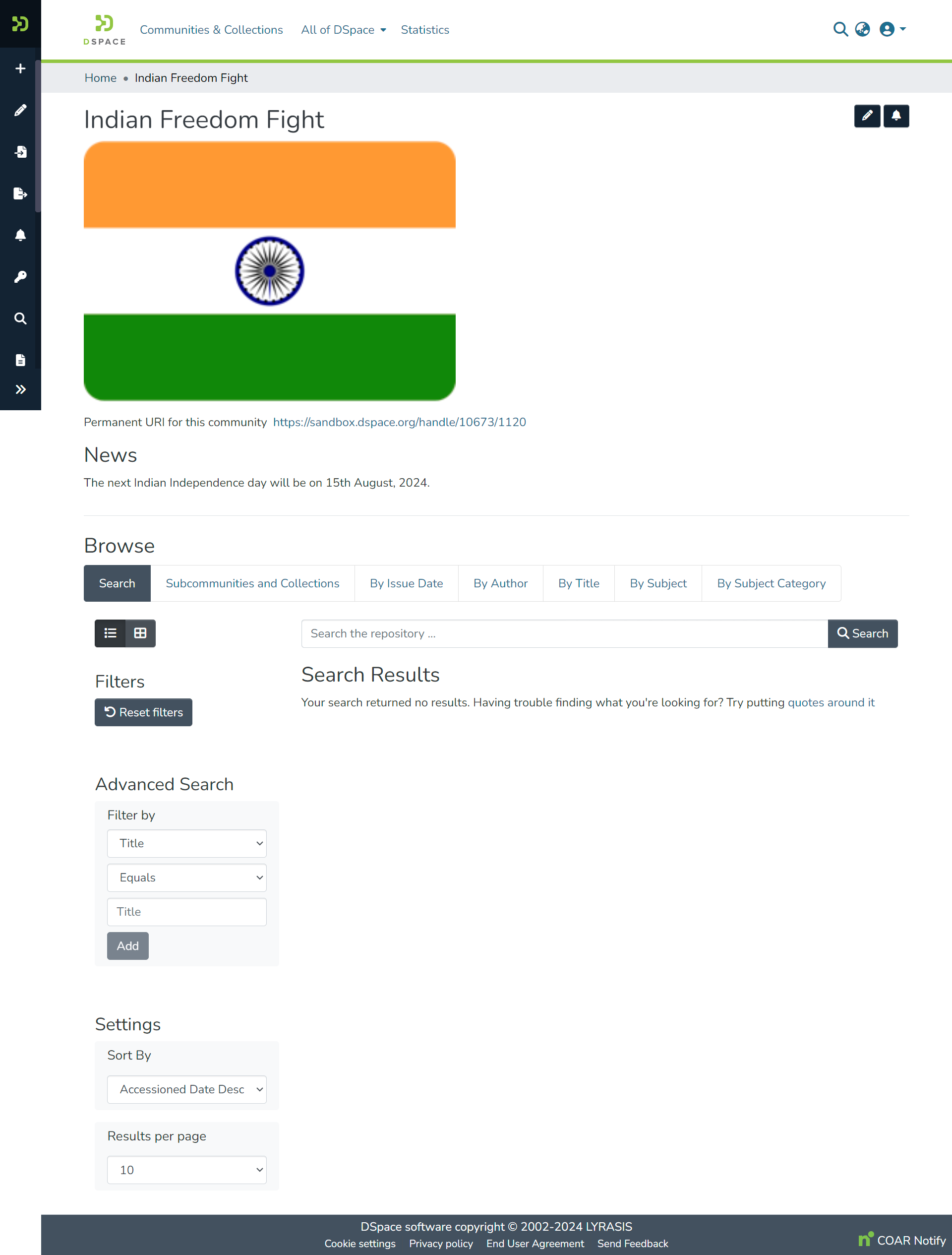
Community homepage
Edited and approved by DCAT Documentation Working Group, December 2024.
All content on the LYRASIS Wiki is licensed under the CC BY (Attribution) license , unless otherwise noted.