Contribute to the DSpace Development Fund
The newly established DSpace Development Fund supports the development of new features prioritized by DSpace Governance. For a list of planned features see the fund wiki page.
Scope and Use Case
By default, all items are discoverable, meaning they will appear in search/browse/OAI results. If an item has been made non-discoverable (see Make an item non-discoverable), it can be made discoverable again by following the process below.
Once discoverable, it will appear in search, browse, and OAI results.
Audience
- Repository Administrators
- Community Administrators
- Collection Administrators
Make an item discoverable
Step 1: Login using your DSpace credentials.
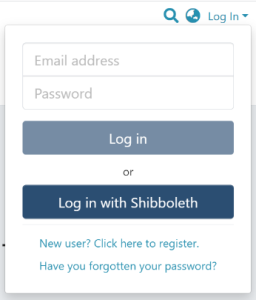
Step 2: Go to the item you want to edit.
Users can reach an item through multiple methods, including those listed below:
- Search for an item
- Browse communities and collections
- Find an item in the Administration section at Edit > Item
- Use the existing item URL
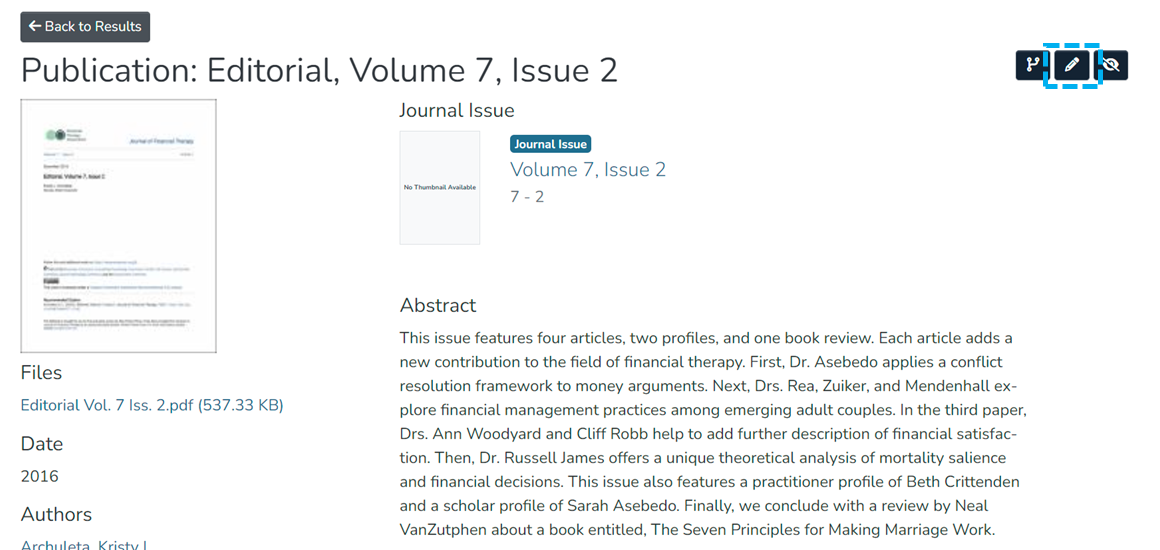
Step 3: Click on the “Edit” button as highlighted on the screen below. This button will appear to any user who has edit rights on the target item.
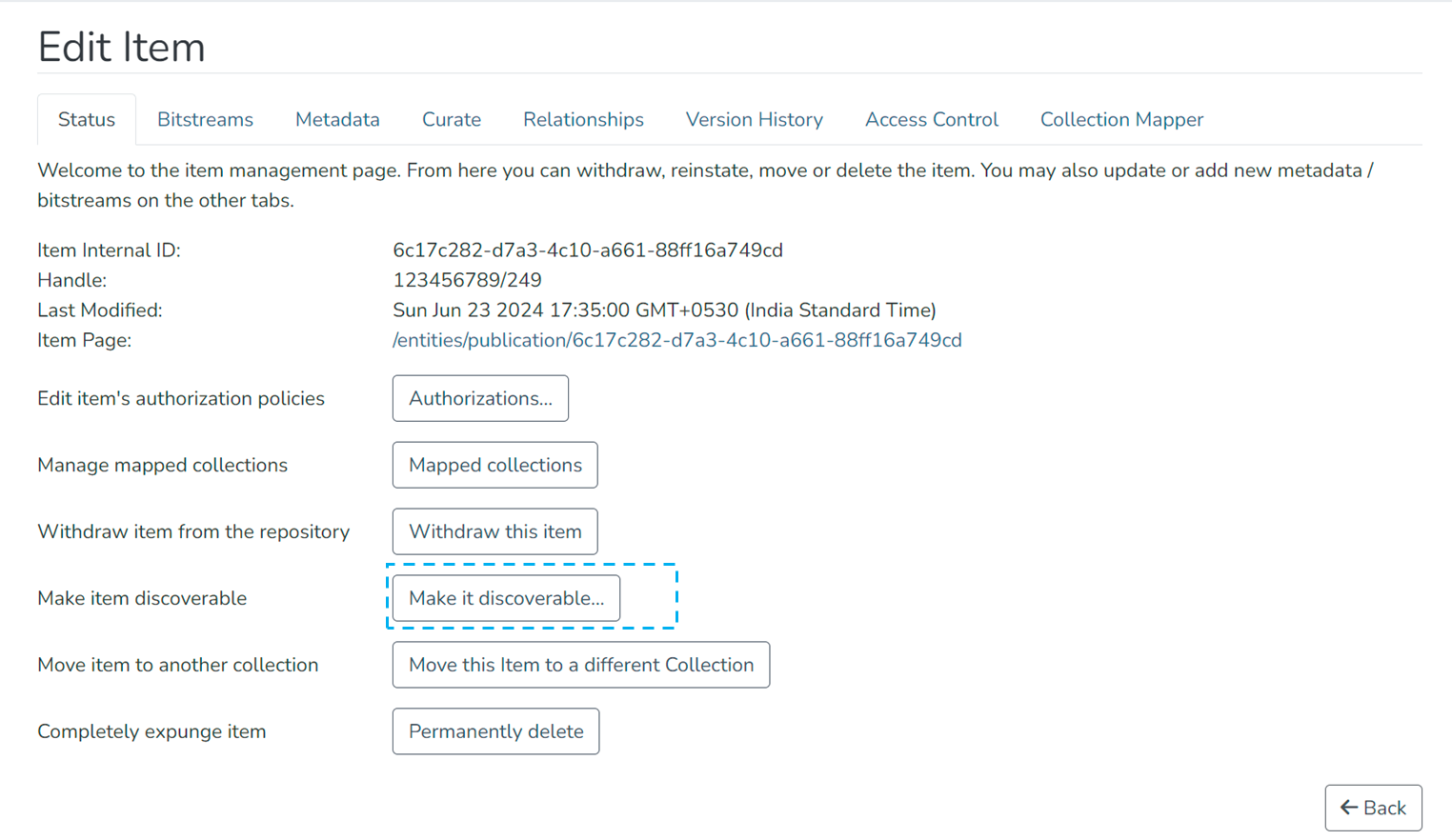
Step 4: Click on the “Make it discoverable...” button under the “Status” tab.
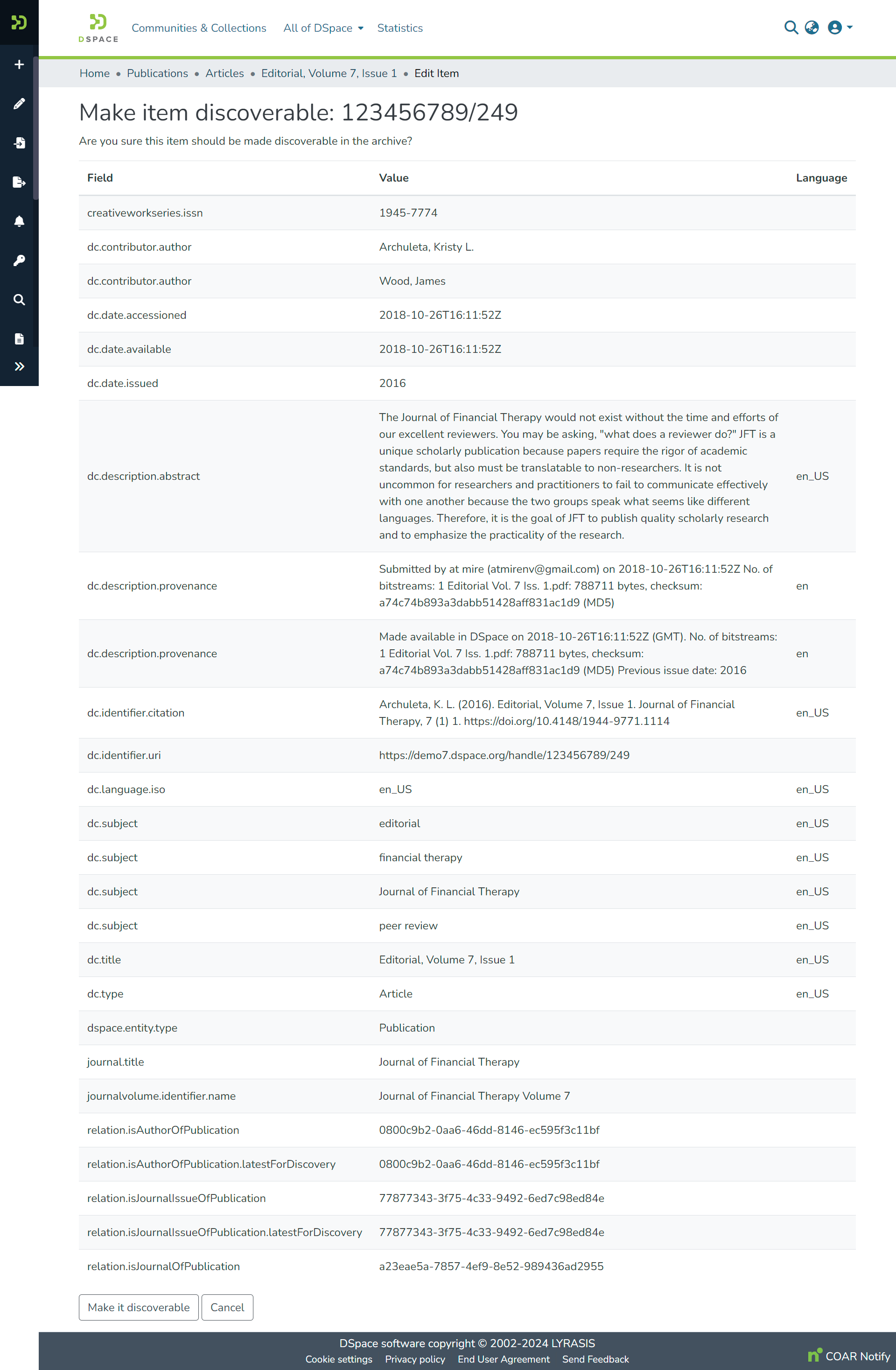
Step 5: Click on the “Make it discoverable” button to make the the item discoverable or click the “Cancel” button to cancel the operation.
Step 6: You will see a success prompt confirming the item is discoverable, as shown below.
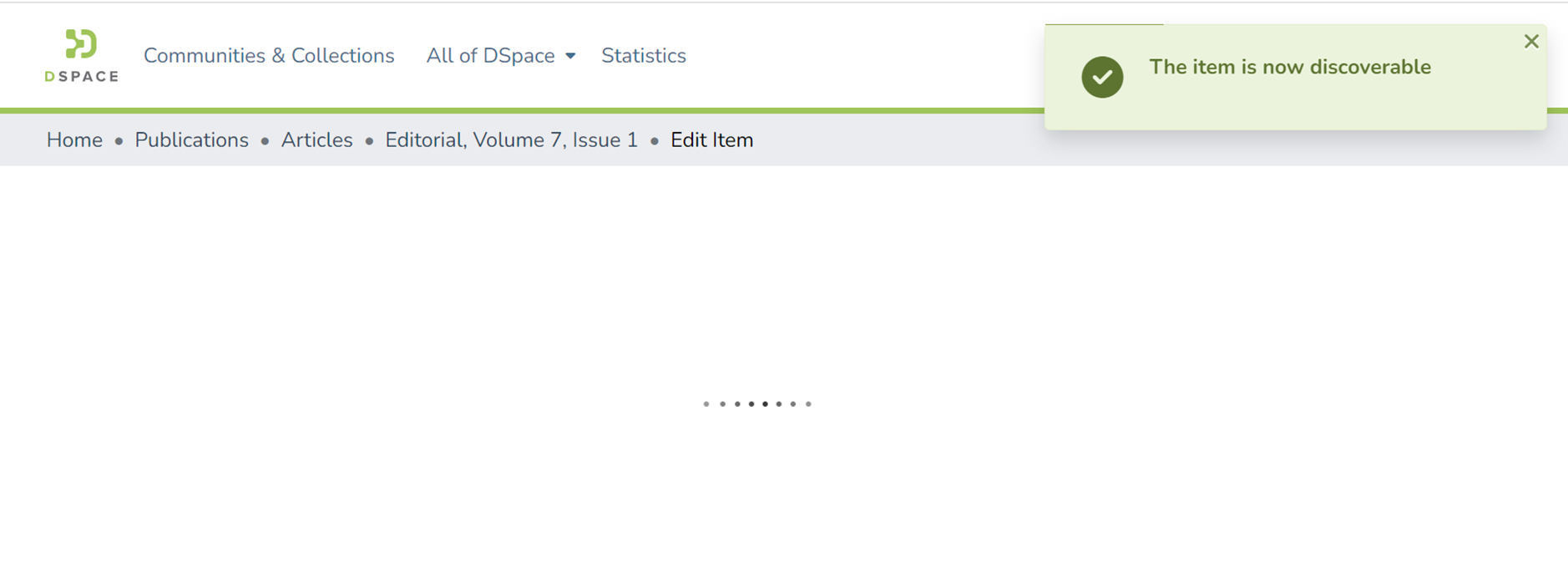
The item will now appear in search and browse results.
Edited and approved by DCAT Documentation Working Group, December 2024.
Overview
Content Tools
All content on the LYRASIS Wiki is licensed under the CC BY (Attribution) license , unless otherwise noted.