All Versions
DSpace Documentation
Unreleased Documentation
This documentation is unreleased and still in development. It may describe features which are not yet released in DSpace.
Looking for another version? See all documentation
You can find the link to this page by hovering over the "All of DSpace" menu option. On the page, you are presented with the values of the "srsc" vocabulary in a hierarchical tree structure. You can open/close different "branches" of the tree and you can select/deselect values you wish to search on.
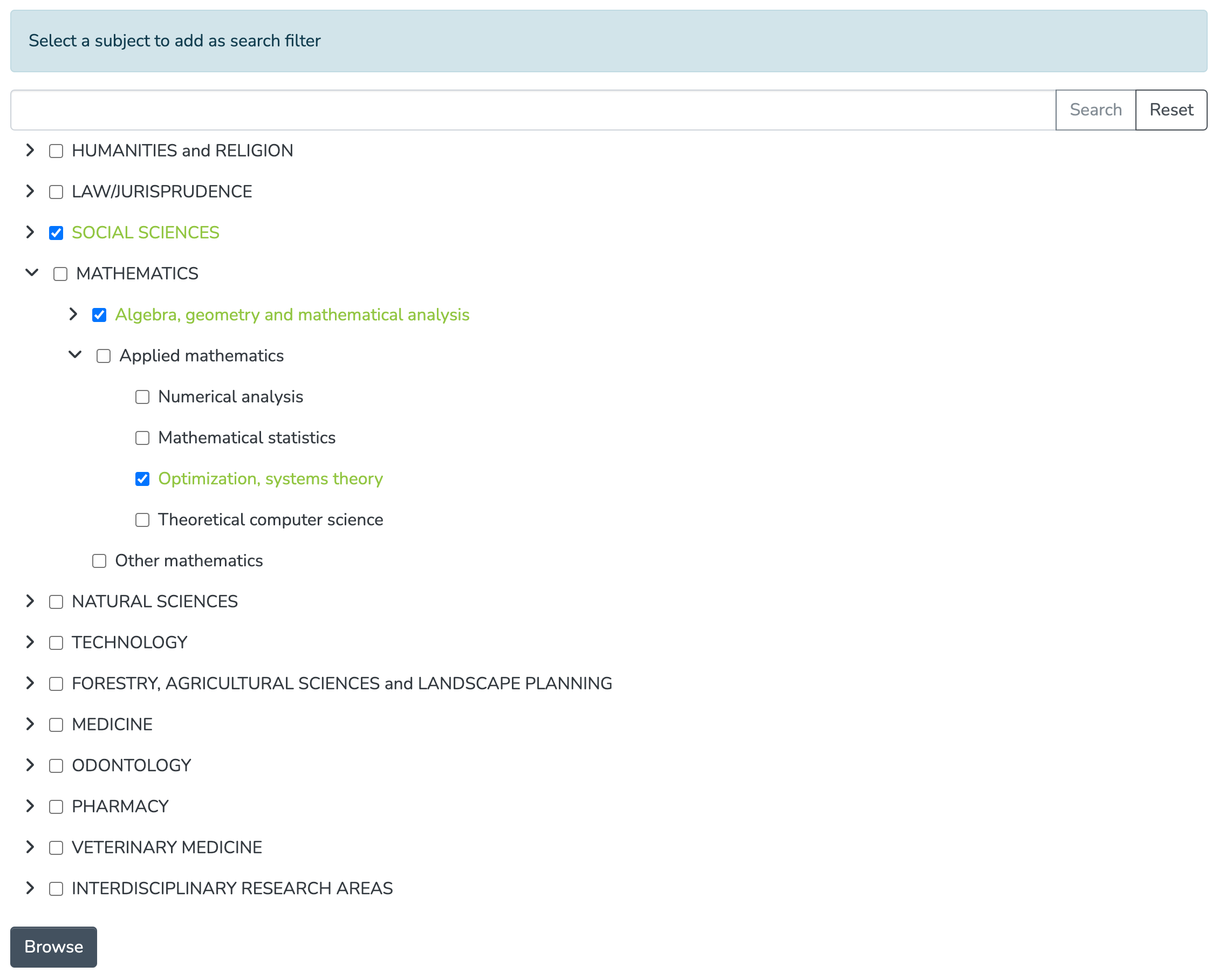
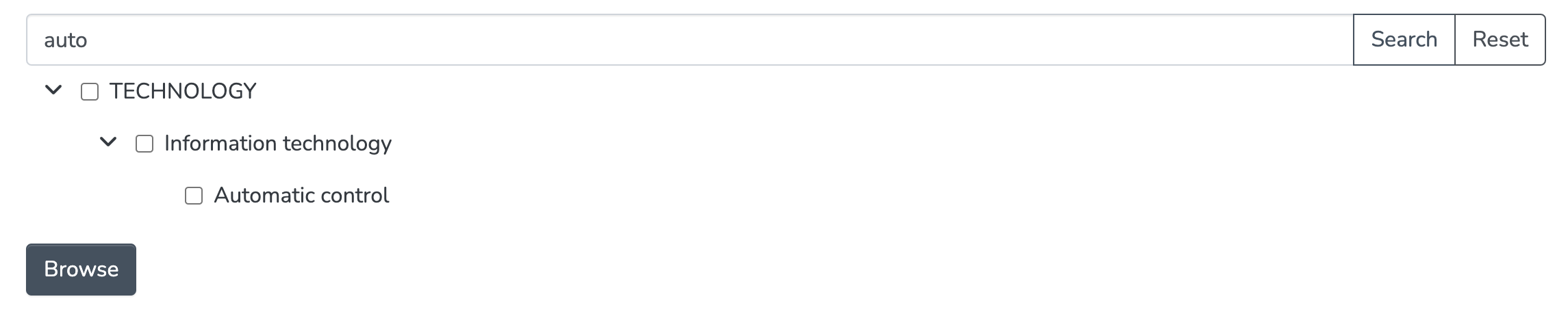
You can search for specific values by using the search bar on top of the tree and clicking "Search". Clicking "Reset" will not only reset the tree itself, but also the values you previously selected.
After you're done (de)selecting values, click "Browse". This will redirect you to the search page, where your selected values are used as search filters:
dc.subject metadata field.dc.subject metadata field. (E.g. if you selected TECHNOLOGY and MEDICINE, only items with both subjects will show up.)To configure Browse by Subject Category options, see "Hierarchical Browse Indexes" in the Configuration Reference.
All content on the LYRASIS Wiki is licensed under the CC BY (Attribution) license , unless otherwise noted.