Contribute to the DSpace Development Fund
The newly established DSpace Development Fund supports the development of new features prioritized by DSpace Governance. For a list of planned features see the fund wiki page.
Scope and Use Case
A non-discoverable (or "private") item is one that is simply hidden from all search/browse/OAI results, and is therefore only accessible via direct link (or bookmark). By default, all items are discoverable, meaning they will appear in search/browse/OAI results.
Non-discoverable items may or may not be access restricted. It is possible for an item to be anonymously visible, but non-discoverable, so that you can only access the item if you are given a link to it.
Expected use cases:
- Provide a light rights awareness feature where discovery is not enabled for search and/or browse
- Hide “special items” such as repository presentations, guides or support materials
- Hide an old version of an item in cases where real versioning is not appropriate or liked
Non-discoverable items are not guaranteed to be hidden from search engines.
For more details about non-discoverable items, see DSpace Item State Definitions
Audience
- Repository Administrators
- Community Administrators
- Collection Administrators
Make an item non-discoverable
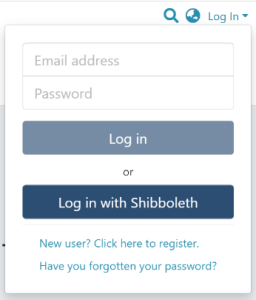
Step 1: Login using your DSpace credentials.
Step 2: Go to the item you want to edit.
Users can reach an item through multiple methods, including those listed below:
- Search for an item
- Browse communities and collections
- Find an item in the Administration section at Edit > Item
- Use the existing item URL
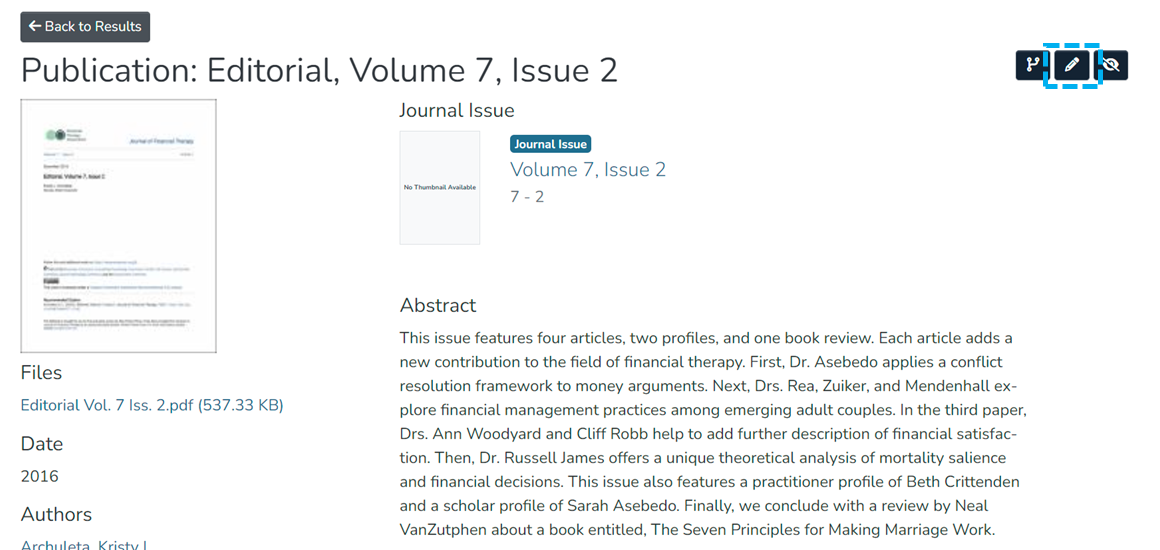
Step 3: Click on the “Edit” button as highlighted on the screen below. This button will appear to any user who has edit rights on the target item.
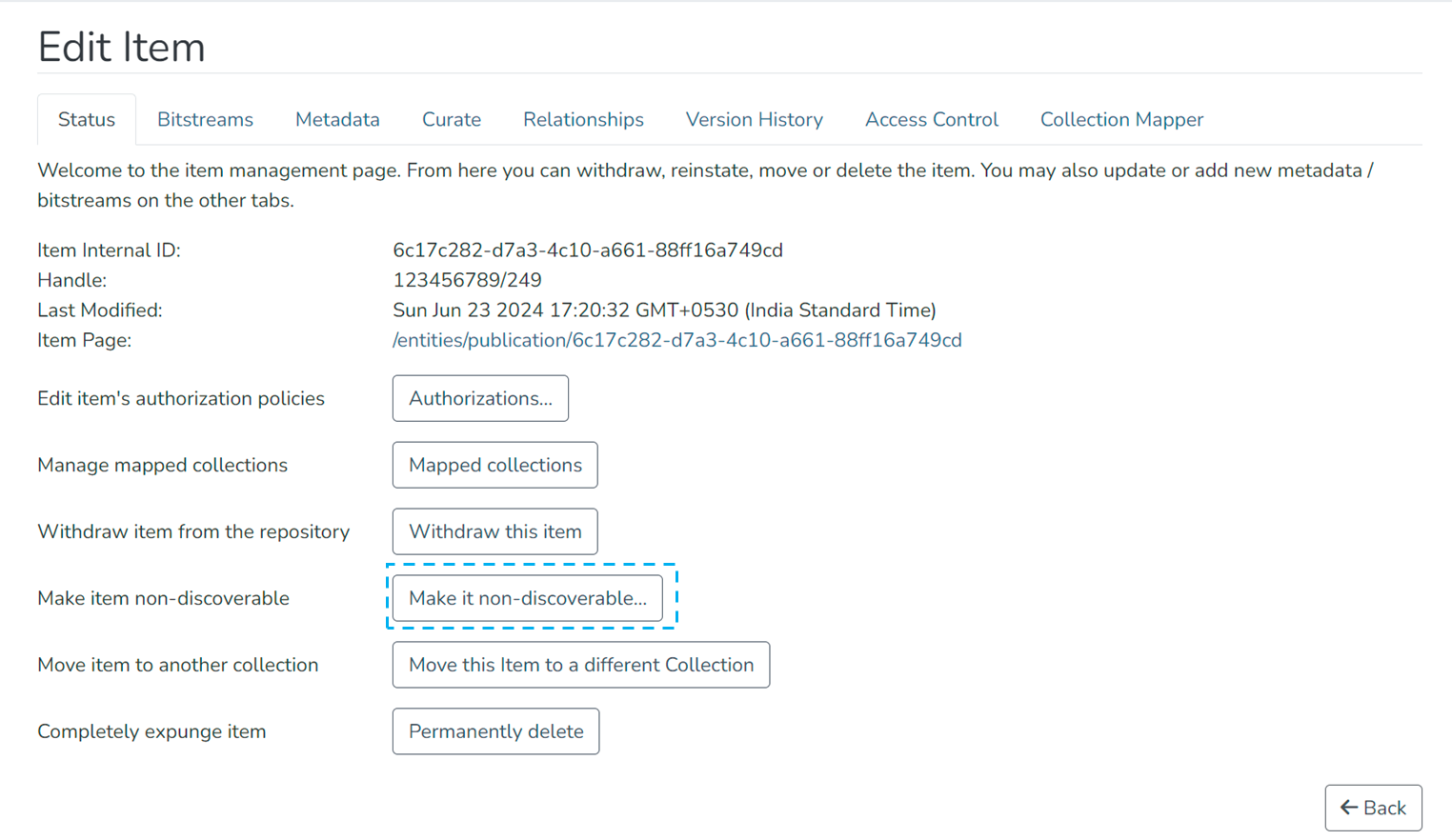
Step 4: Click on the “Make it non-discoverable...” button under the “Status” tab.
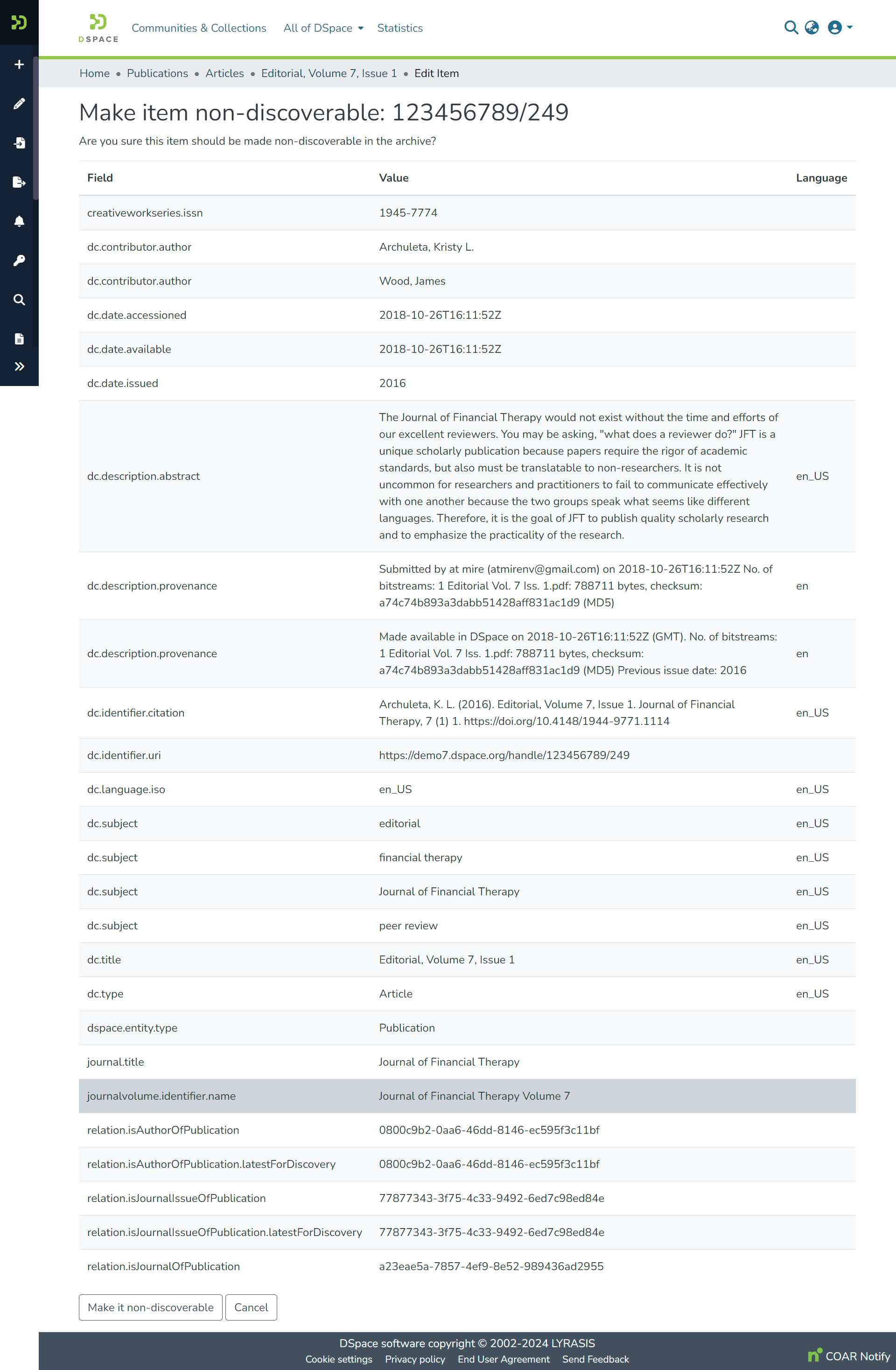
Step 5: Click on the “Make it non-discoverable” button to make the item non-discoverable or click on the “Cancel” button to cancel the operation.
Step 6: You will see a success prompt confirming that the item is non-discoverable, as shown below.
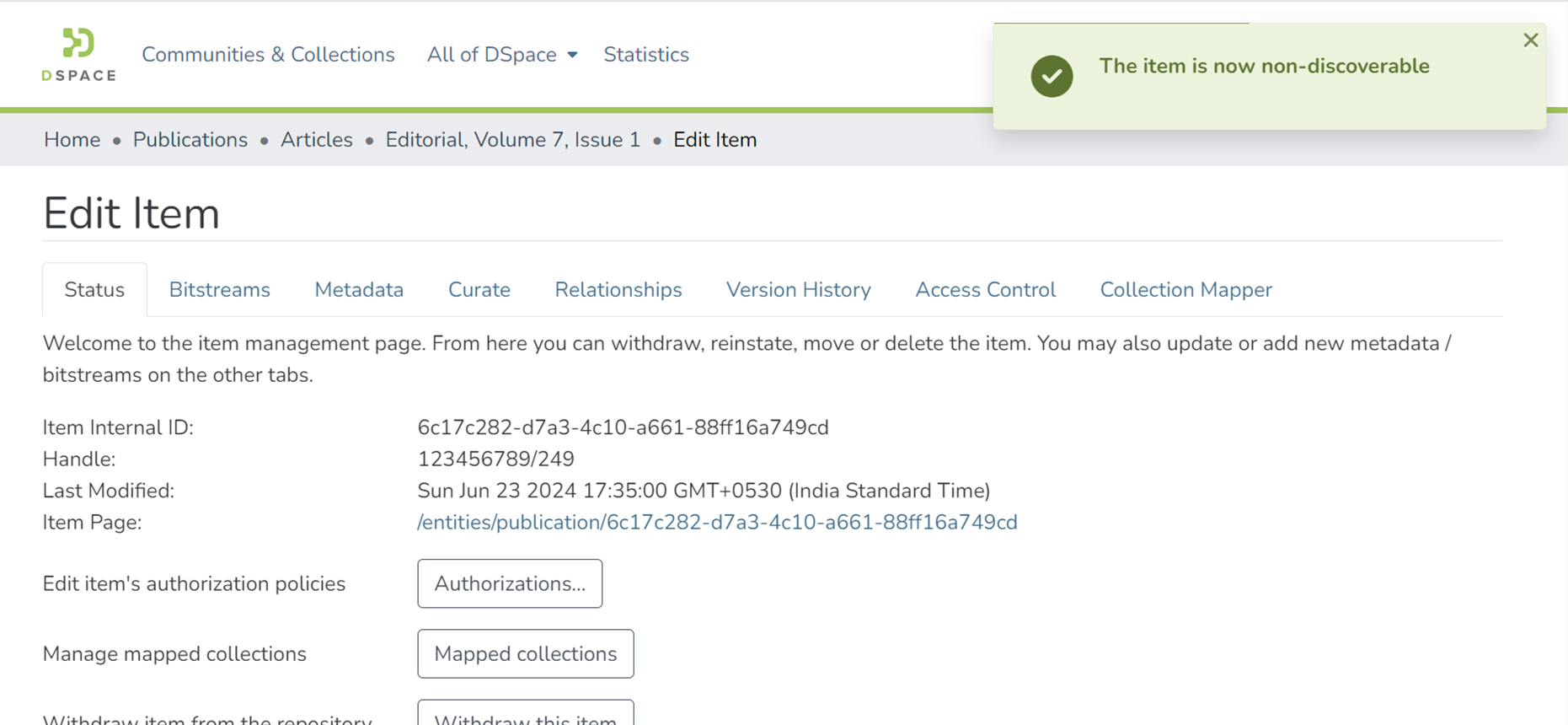
Step 7: The item page now shows a "This item is non-discoverable" banner, and the item does not appear in a list of search or browse results.

Edited and approved by DCAT Documentation Working Group, December 2024.
Overview
Content Tools
All content on the LYRASIS Wiki is licensed under the CC BY (Attribution) license , unless otherwise noted.