Old Release
This documentation relates to an old version of DSpace, version 7.x. Looking for another version? See all documentation.
Audience
Content Submitters
Community Administrators
System Administrators
Move an item
Step 1: Login using your credentials
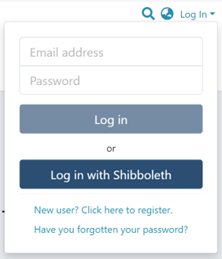
Step 2: Go to the item you want to edit
Users can reach an item through multiple methods, as listed below:
- Search an item
- Browse communities and collections
- Finding an item in the Administration section at Edit > Item
Click on the “Edit” button appearing on the right-hand side of the item title.
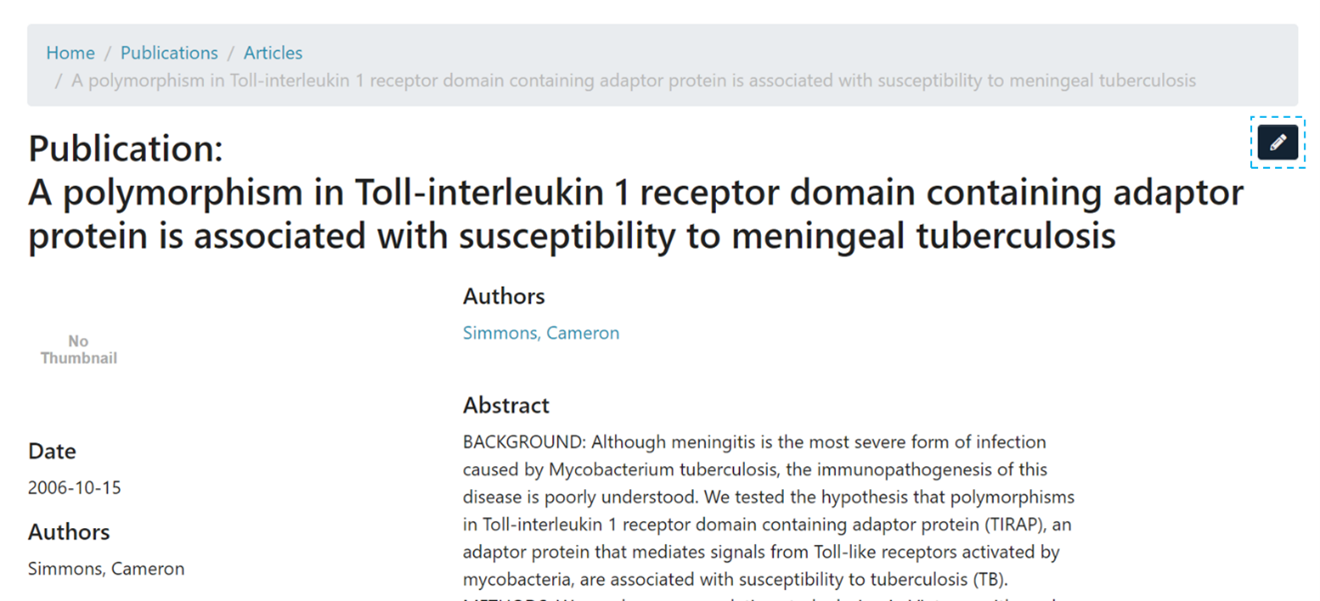
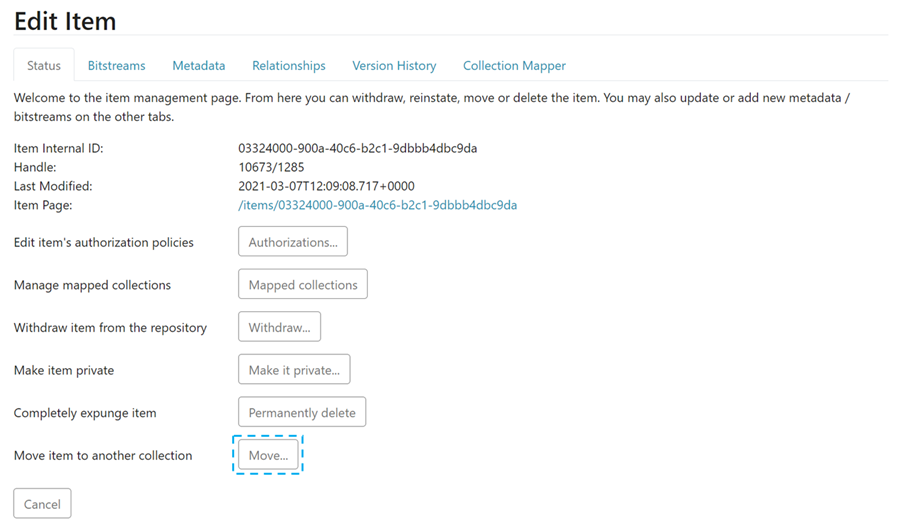
Step 3: Click on the “Status” tab and click the “Move” button.
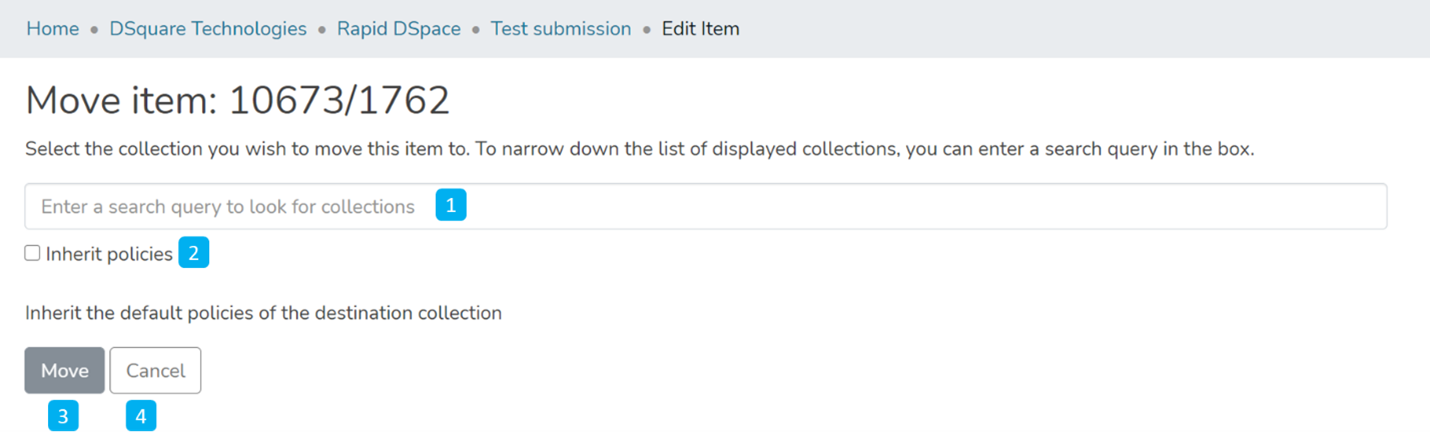
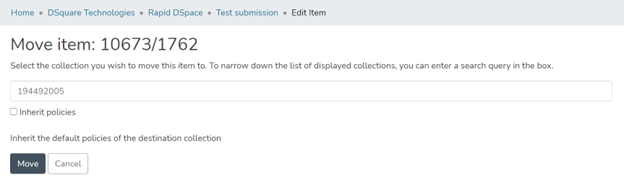
Step 4: Understanding the Move item page
The field for entering the collection name: Enter the target collection name to move the item or select the collection from the drop-down list, as demonstrated in the following step.
- Inherit policies: Click on this check box to update the item’s policies according to the collection’s policies.
- Move: Click the “Move” button to complete the operation.
- Cancel: Click the “Cancel” button to cancel the operation.
Step 5: Click on the Collection name and type the target collection name to move the item or scroll the collection list to identify the appropriate collection.
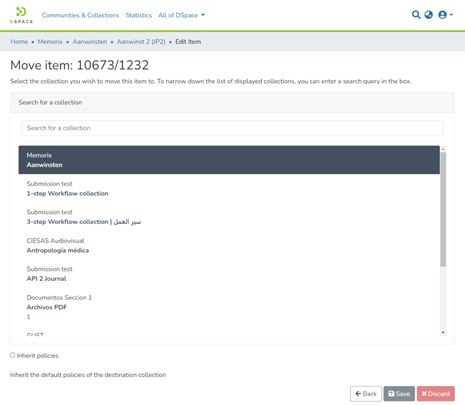
Step 6: Click on the “Move” button after selecting the target collection.
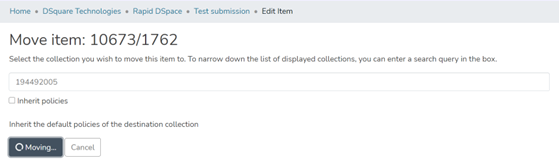
Step 7: The item will move to the target collection upon completing the operation.
Overview
Content Tools
All content on the LYRASIS Wiki is licensed under the CC BY (Attribution) license , unless otherwise noted.