You can make content publicly available by designating a bucket as -public (See How to Create Buckets) or by uploading content to your public folder if you're using the SFTPGo web-based application.
You can construct what a public link will look like based on this pattern:
https://{BUCKET_NAME}.s3.{REGION}.amazonaws.com/{PREFIX}/{FILE}
If you have spaces in any of your folder or filenames, replace those with a + sign when forming a URL. The region information is also optional.
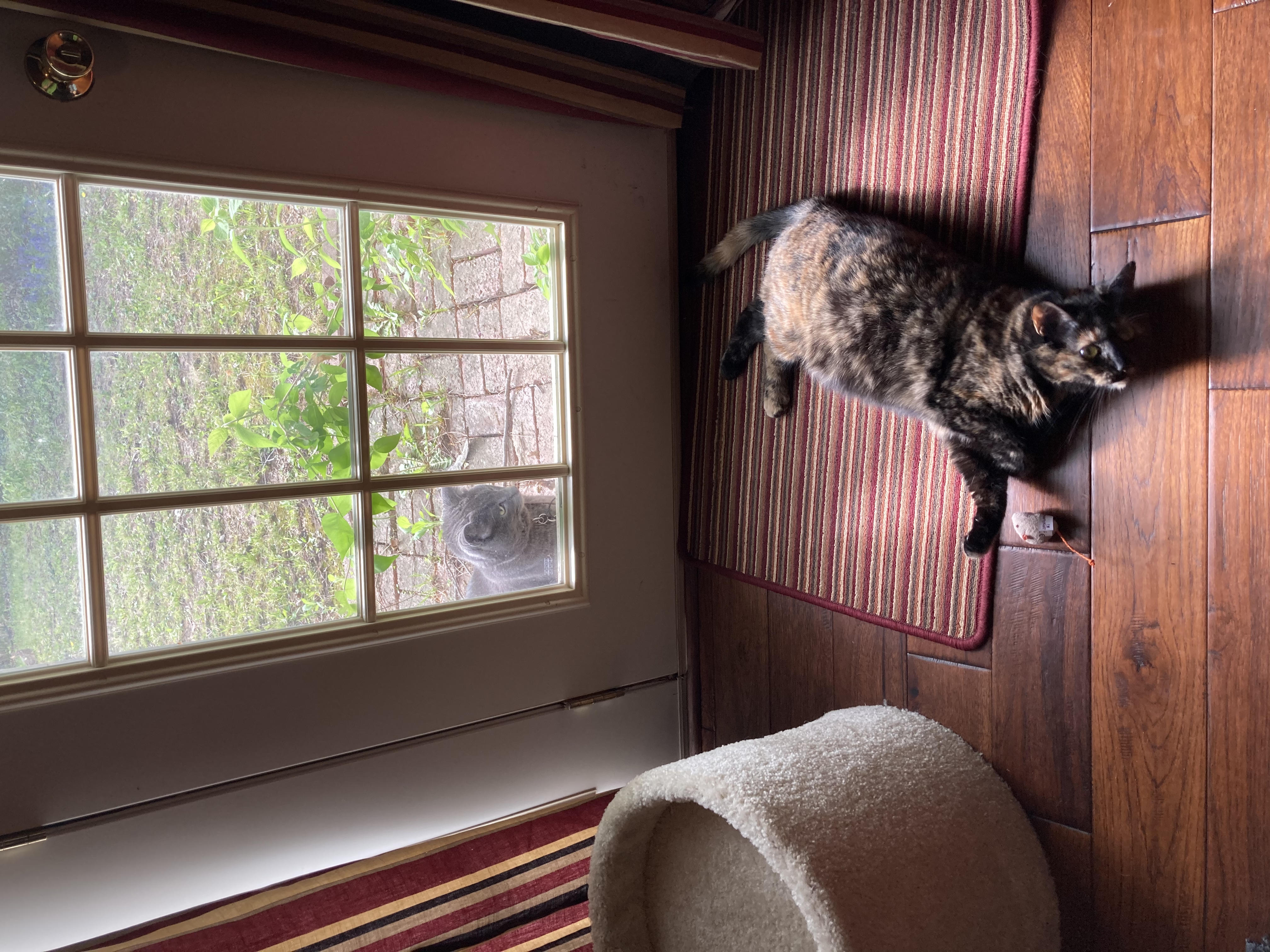
So, for example, an image found in the lyrasis account's bucket public→test-01→catpics folder structure would look like
https://duracloud-lyrasis-public.s3.us-west-2.amazonaws.com/test-01/catpics/callie_and_friend.jpg
OR, without the region information
https://duracloud-lyrasis-public.s3.amazonaws.com/test-01/catpics/callie_and_friend.jpg
Cyberduck has some additional ways to share folders and individual objects.