A non-discoverable (or "private") item is one that is simply hidden from all search/browse/OAI results, and is therefore only accessible via direct link (or bookmark). By default, all items are discoverable, meaning they will appear in search/browse/OAI results.
Non-discoverable items may or may not be access restricted. It is possible for an item to be anonymously visible, but non-discoverable, so that you can only access the item if you are given a link to it.
Expected use cases:
Non-discoverable items are not guaranteed to be hidden from search engines.
For more details about non-discoverable items, see DSpace Item State Definitions
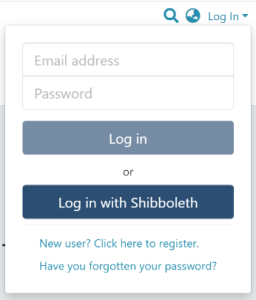
Step 1: Login using your DSpace credentials.
Step 2: Go to the item you want to edit.
Users can reach an item through multiple methods, including those listed below:
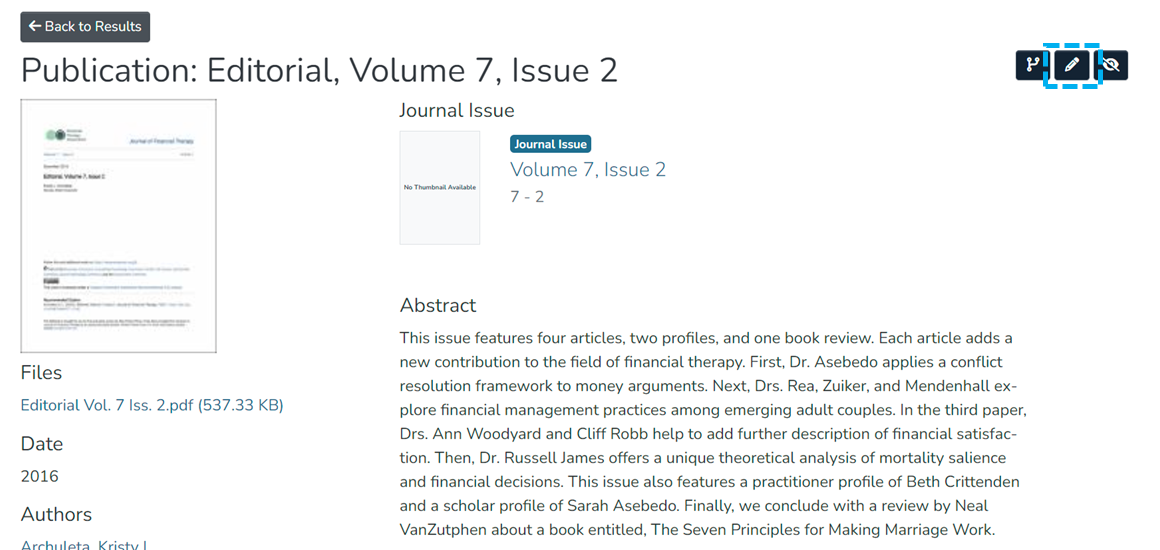
Step 3: Click on the “Edit” button as highlighted on the screen below. This button will appear to any user who has edit rights on the target item.
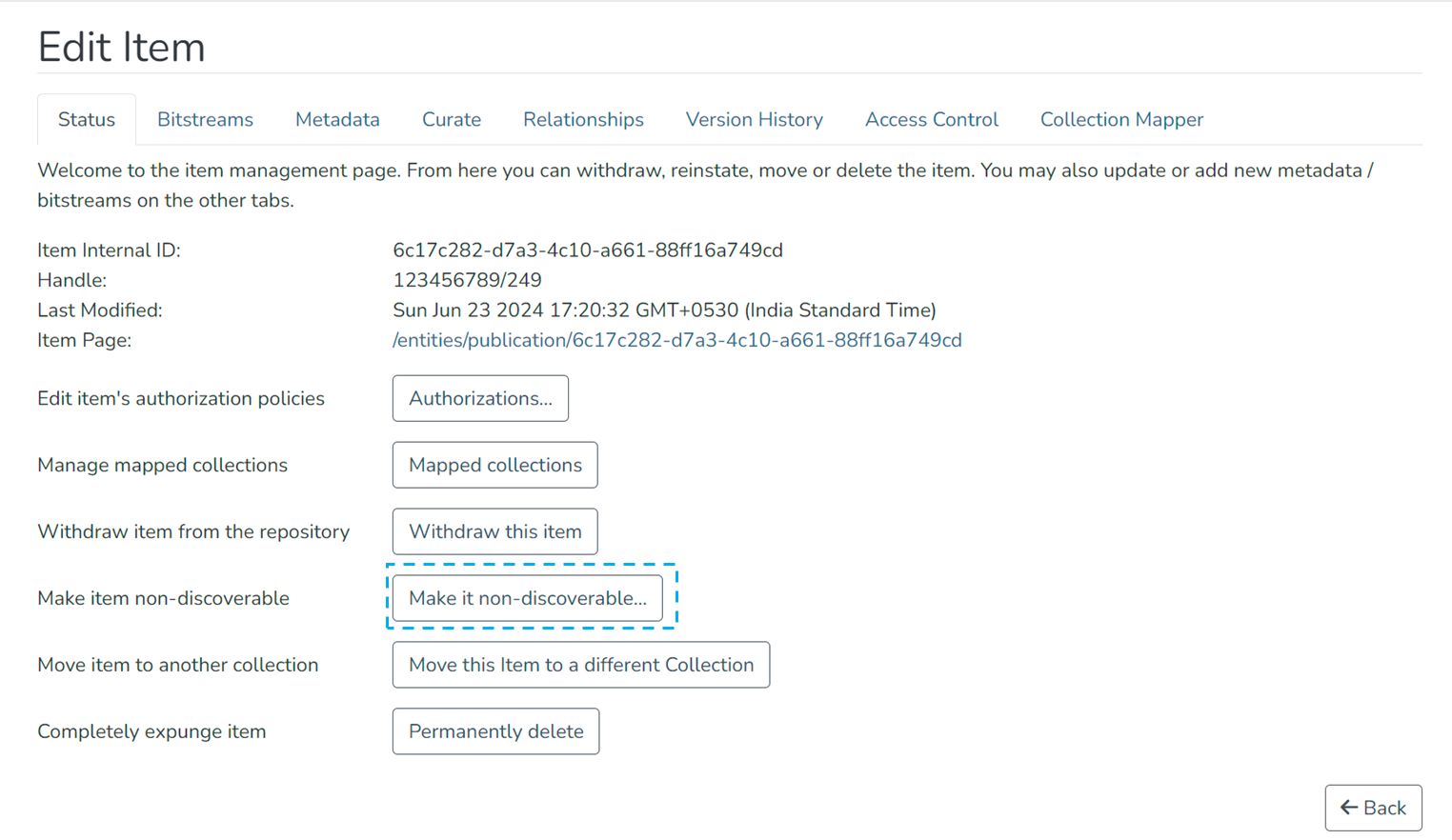
Step 4: Click on the “Make it non-discoverable...” button under the “Status” tab.
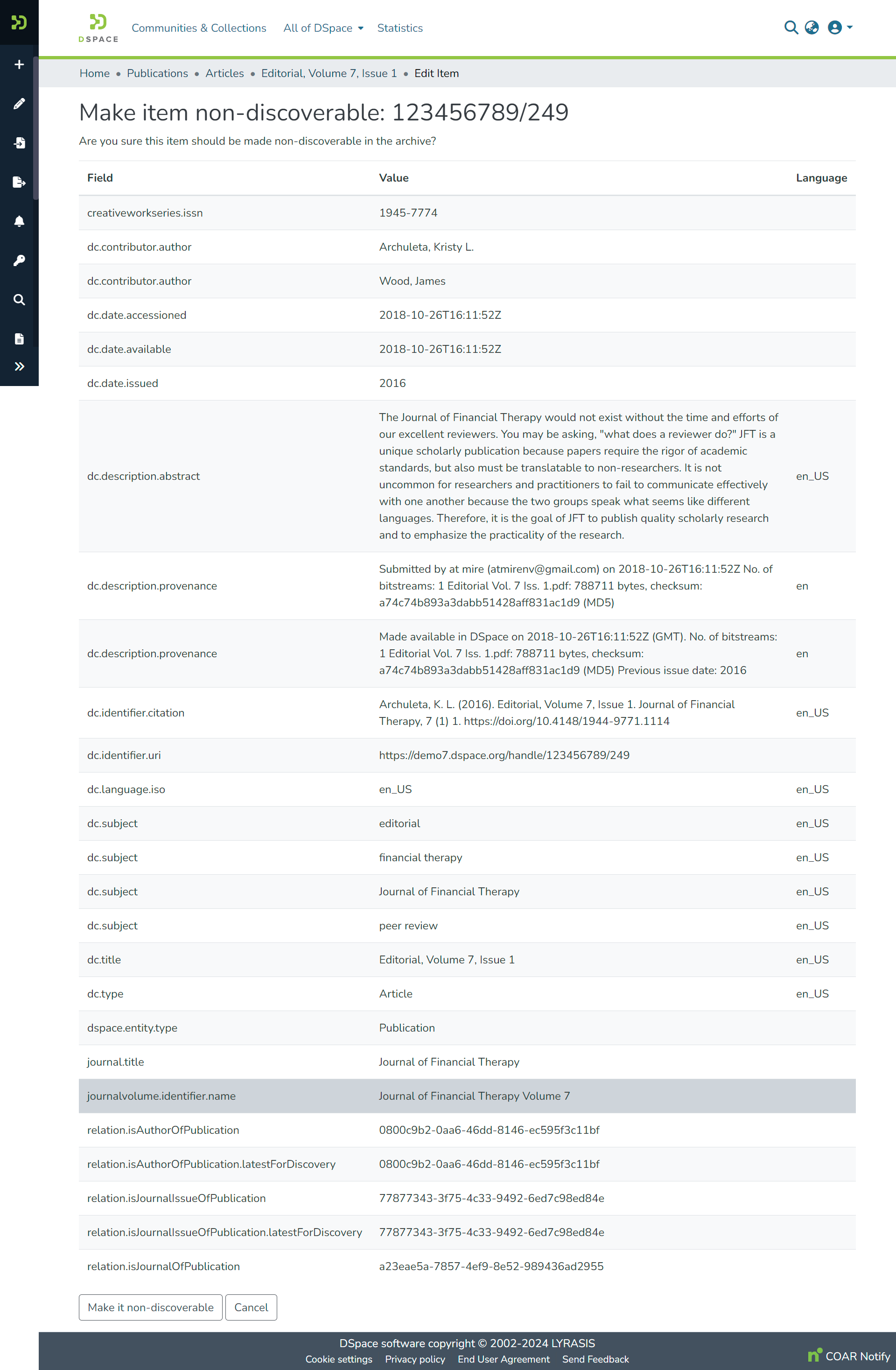
Step 5: Click on the “Make it non-discoverable” button to make the item non-discoverable or click on the “Cancel” button to cancel the operation.
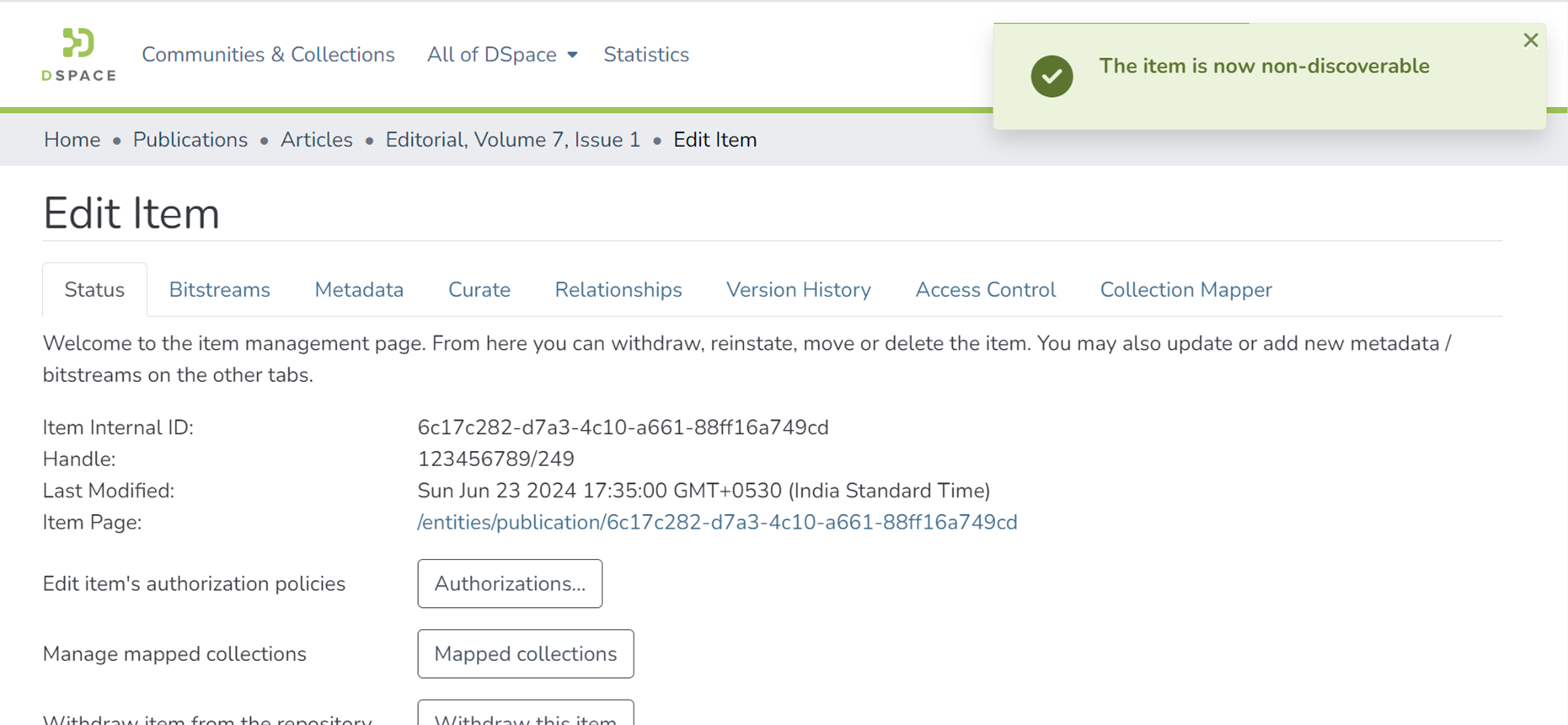
Step 6: You will see a success prompt confirming that the item is non-discoverable, as shown below.
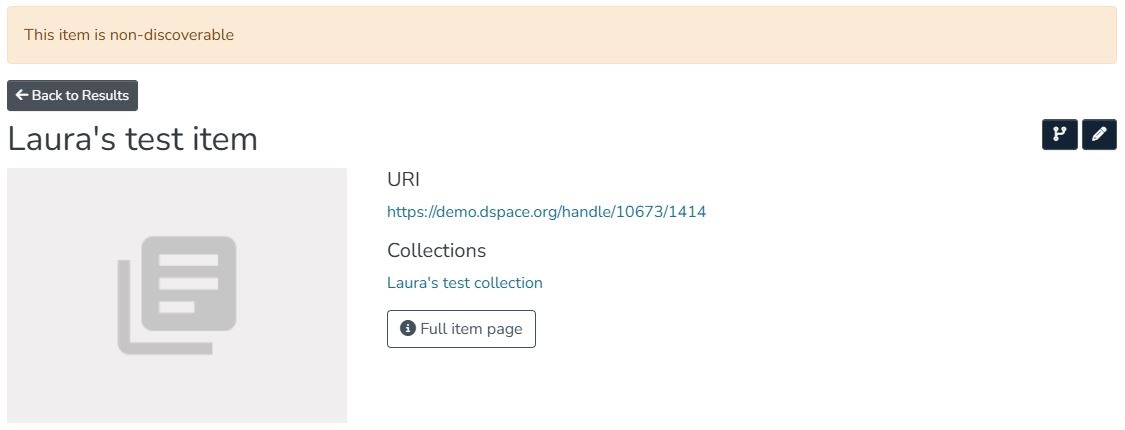
Step 7: The item page now shows a "This item is non-discoverable" banner, and the item does not appear in a list of search or browse results.
Edited and approved by DCAT Documentation Working Group, December 2024.