All Versions
DSpace Documentation
...
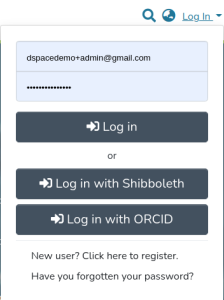
Once enabled, an option to login via ORCID is provided to the user among the other authentication methods configured in the system. There are several different scenarios that need to be considered for the ORCID Login process; please see ORCID Login: Guide to Repository access and Account linking for more information. The ORCID authentication doesn't allow the user to reset his their password from DSpace.
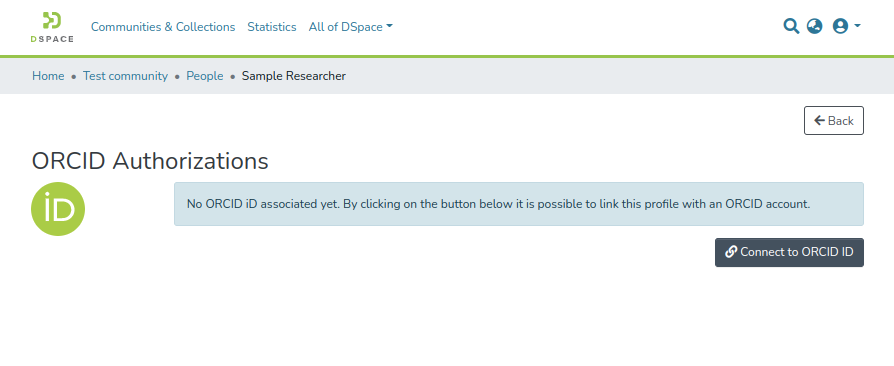
The researcher can connect (or disconnect) their DSpace local Researcher Profile with ORCID from the Person item detail page.
If a user clicks the "Disconnect from ORCID" button, their ORCID access token will be revoked and the DSpace repository will no longer be a "trusted party" on the user's ORCID account, according to ORCID's best practices.
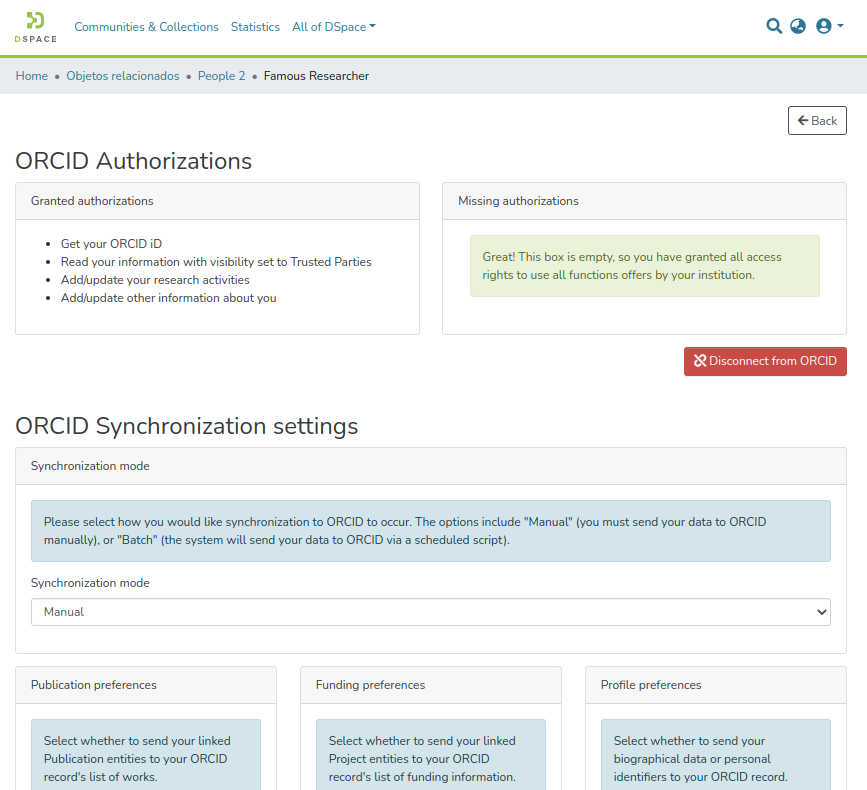
Once a profile has been connected they can manage their synchronization preferences deciding what should be pushed to ORCID, including:
NOTE: The ORCID NOTE: The ORCID synchronization feature is disabled by default, even when ORCID Authentication is enabled. See Configuration section below for how to enable it.
...
the person import from ORCID is more useful and common to be used in the context of the management of relationship among research outputs and activities (publications, projects, etc) and person, see the Configure the author lookup in submission
For ORCID iDs that have been associated with a user profile (Person Entity), either by a user connecting their authenticated ORCID iD with their profile, or an administrator adding an unauthenticated ORCID iD to a Person Entity profile: the ORCID iD icon will appear next to the user's name on any works landing pages where the user is an author, with the user's ORCID iD displayed upon hovering over the ORCID iD icon. Authenticated ORCID iDs will appear as a green ORCID iD icon:

Unauthenticated ORCID iDs will appear as a grey icon with the word "unconfirmed" in parentheses:

...